
Solving Linear Equations with 2 Variables by mrrichardson (3)
Loading the math board and drawing, please wait…
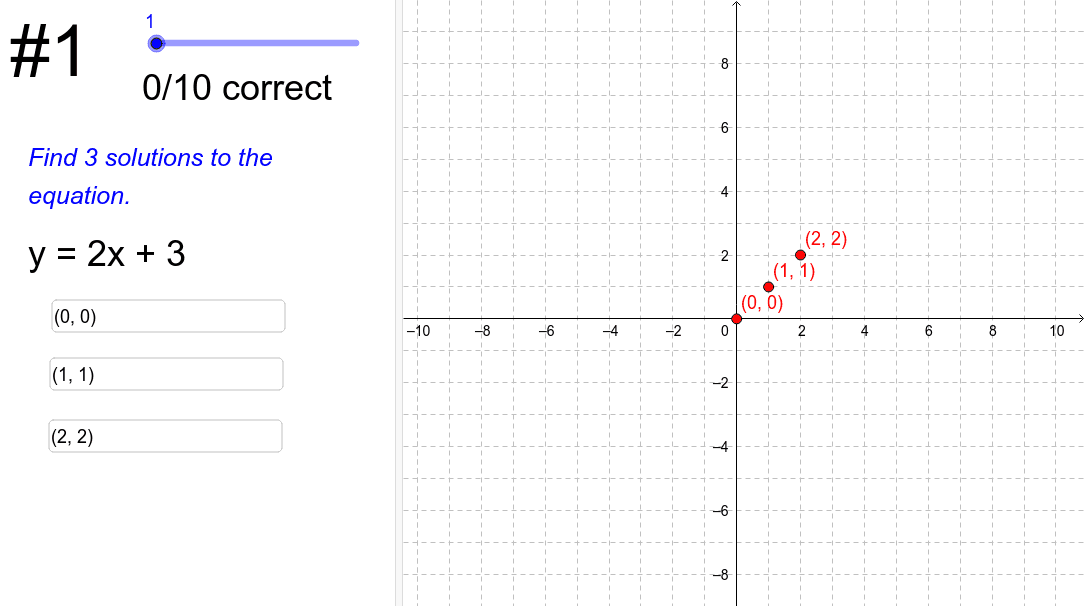
This example demonstrates how to solve systems of linear equations using GeoGebra. It involves core mathematical concepts such as linear equations, geometric interpretation of solutions, and algebraic methods. The construction utilizes commands and objects like Sum, Textfield, Length, Text, and elements like currentProblem, isCorrect, etc., to dynamically display problems and correctness. Suitable for middle school and above students for teaching demonstrations and practice.
GeoGebra Commands & Parameters
Sum(isCorrect) → numCorrectTextfield(A) → inputBoxATextfield(B) → inputBoxBTextfield(C) → inputBoxCLength(equations) → numProblemsText(Element[equationsText, currentProblem]) → currentEquationDisplay
AI Drawing Prompt Reference
Demonstrate the geometric solution of a system of linear equations with dynamic text boxes showing the number of correct answers, three input boxes for equation coefficients, and a dynamically displayed current equation below, constructed by inputting equations, calculating correct answers, and displaying the current equation and correct count.
The prompt above was compiled from the original drawing commands and is for reference only.