
Solving Absolute Value Equations: Interactive Practice and Verification
Loading the math board and drawing, please wait…
In collections
Randomised Questions
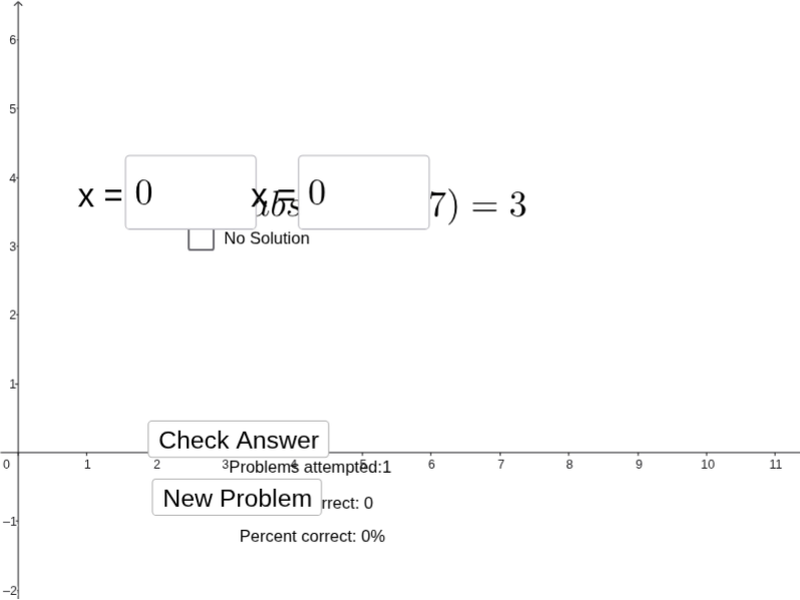
① This GeoGebra example demonstrates how to solve absolute value equations through an interactive interface, where students input equations and verify their solutions step by step. ② The core mathematical concept is solving absolute value equations, involving the geometric interpretation of absolute value as distance on the number line and algebraic methods such as case analysis. ③ Construction highlights: from the construction summary, it uses Textfield, Sum, inputBox, button for interactive input and control, objects like a, b, c, f to store coefficients and expressions, lists and attempts to track student responses, and text objects to display feedback. ④ Suitable for middle school to high school students learning absolute value equations, useful for classroom practice, self-study, or formative assessment, helping students understand solution methods and verification strategies.
GeoGebra Commands & Parameters
Textfield(d) → inputBox1Textfield(e) → inputBox2Sum(CellRange(A3,A9,"numeric")) → A10
AI Drawing Prompt Reference
Create an interactive graphic showing how to solve absolute value equations. Include input boxes for users to enter equations, a button to control calculations, and sliders to adjust parameters. Display the geometric interpretation of absolute value as distance on a number line. Show the solutions to the equations and provide feedback using lists and text objects, suitable for students to understand solution methods and verification strategies.
The prompt above was compiled from the original drawing commands and is for reference only.