
Solving a System of Equations by Kevin Hopkins
Loading the math board and drawing, please wait…
In collections
Linear Algebra
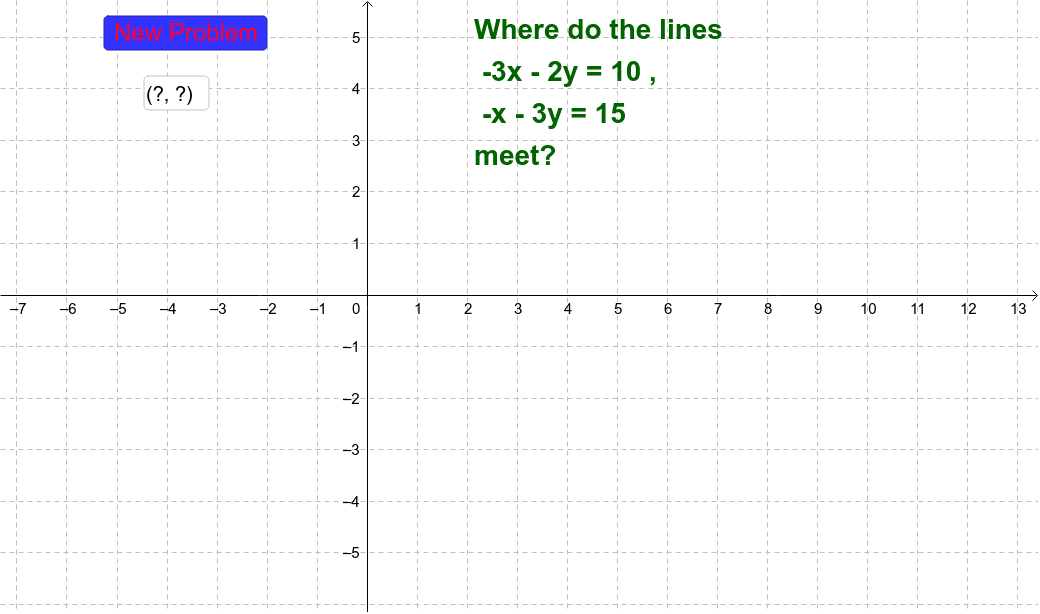
This example demonstrates solving a system of equations. Key mathematical concepts include methods for solving linear equations. Using GeoGebra commands such as RandomElement and Intersect, the example dynamically illustrates the solution process. Suitable for college algebra courses.
GeoGebra Commands & Parameters
RandomElement(clist) → yc2RandomElement(clist) → xc2Random(-5, 5) → x1Random(-5, 5) → y1RandomElement(clist) → yc1RandomElement(clist) → xc1Intersect(a, b) → CorrectPointTextfield(int) → inputBox1Point((0, 0), int) → YourPointIf(Length[int] ≥ 0, true, false) → d
AI Drawing Prompt Reference
Draw two randomly generated linear equations and mark their intersection point. First, randomly select the slopes and intercepts for two lines, then plot these lines. Next, find the intersection point of the two lines and highlight it with a special marker. Finally, display an input box on the coordinate axis allowing the user to input a point, which will be highlighted if it lies between the two lines.
The prompt above was compiled from the original drawing commands and is for reference only.