
Solid Geometry Example: Cuboid and Pyramid
Loading the math board and drawing, please wait…
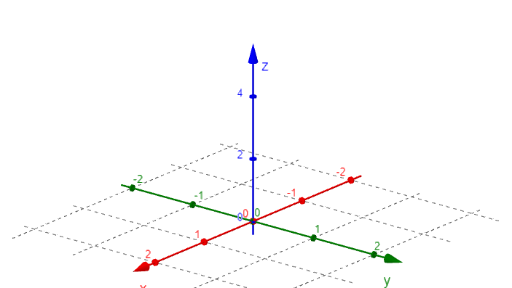
This example demonstrates the construction of a cuboid and a pyramid in solid geometry. Key mathematical concepts include the calculation of volume and surface area in solid geometry. Using GeoGebra commands such as Surface and CurveCartesian, the dimensions of the cuboid and pyramid can be dynamically adjusted to observe changes in their volume and surface area. Suitable for high school students and teachers to understand basic concepts in solid geometry.
GeoGebra Commands & Parameters
Surface((u * cos(v)), (u * sin(v)), Bottom((u * cos(v)), (u * sin(v))), u, 0, 1, v, 0, (2 * pi)) → bottom1Surface((u * cos(v)), (u * sin(v)), Top((u * cos(v)), (u * sin(v))), u, 0, 1, v, 0, (2 * pi)) → top1Surface(cos(u), sin(u), v, u, 0, (2 * pi), v, 0, 4) → bodyCurveCartesian(0, t, 1 - t^(2), t, -1, 1) → c1CurveCartesian(t, 0, 1 - t^(2), t, -1, 1) → c2
AI Drawing Prompt Reference
Draw a combination of a cuboid and a pyramid, where the cuboid has circular bases and top, with curved sides, and the pyramid has a curved base and curved sides, allowing dynamic adjustment of dimensions to observe changes in volume and surface area.
The prompt above was compiled from the original drawing commands and is for reference only.