
Snowflake Geometry Construction
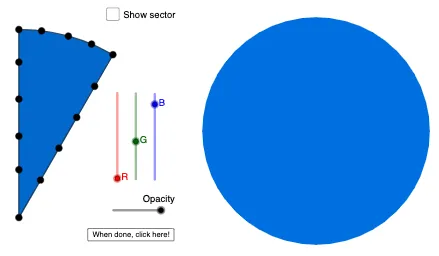
Loading the math board and drawing, please wait…
This example demonstrates how to create snowflake patterns using GeoGebra. It involves key mathematical concepts such as geometry, symmetry, and trigonometry. By using commands like Sequence, CircleSector, and Polygon, beautiful snowflake patterns can be constructed. Suitable for middle school students and teachers.
GeoGebra Commands & Parameters
Sequence(((5 * cos(((2 * π) * k / 12))), (5 * sin(((2 * π) * k / 12)))), k, 0, 11) → LpCircleSector((0, 0), Element[Lp, 3], Element[Lp, 4]) → sPolygon(Join[{Pl, First[Pl]}]) → polySequence(Rotate[poly, ((2 * π) * k / 6)], k, 0, 5) → RMirror(R, xAxis) → SPointIn(s) → A1PointIn(s) → A2PointIn(s) → A3PointIn(s) → A4PointIn(s) → A5PointIn(s) → A6PointIn(s) → A7PointIn(s) → A8PointIn(s) → A9PointIn(s) → A10PointIn(s) → A11PointIn(s) → A12PointIn(s) → A13PointIn(s) → A14Translate(Dilate[R, 0.6], Vector[(0, 0), (7.9, 2.3)]) → R'Translate(Dilate[S, 0.6], Vector[(0, 0), (7.9, 2.3)]) → S'Translate(Dilate[CircleSector[(0, 0), Element[Lp, 3], Element[Lp, 4]], 0.6], Vector[(0, 0), (7.9, 2.3)]) → s'
AI Drawing Prompt Reference
Draw a snowflake pattern by generating 12 points equally spaced around a circle, then form a hexagon with these points as vertices. Rotate and mirror the hexagon to create multiple copies, and arrange these copies symmetrically around the center to form a snowflake structure.
The prompt above was compiled from the original drawing commands and is for reference only.