
Slope (Practice) I
Loading the math board and drawing, please wait…
In collections
Year 10 Mathematics
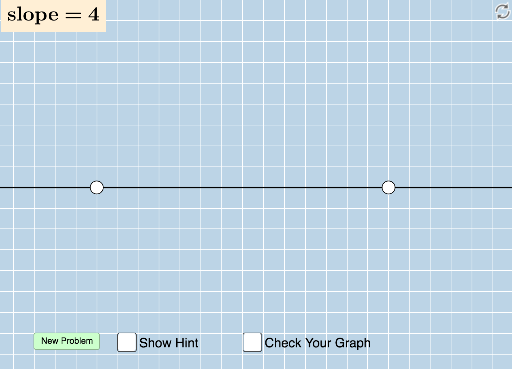
This applet generates random assessment questions for students to draw a line with a randomly generated slope in a blank grid, helping students understand the concept of slope. Key mathematical concepts include linear equations and slope. Commands used include Sequence, Union, Random, Line, FractionText, Intersect, Polygon, Vector, Angle, Distance. Suitable for middle school and above students to practice slope.
GeoGebra Commands & Parameters
Sequence(i, i, -10, -1) → aSequence(i, i, -10, -1) → bSequence(i, i, 1, 10) → cUnion(b, c) → dRandom(-12, 12) → eLine(A, B) → gFractionText(Slope[f]) → text1FractionText(f(0)) → text2Intersect(h, i) → CPolygon(A, C, B) → poly1, b_1, a_1, c_1Vector(A, C) → uVector(C, B) → vAngle(B, C, A) → αDistance(A, C) → distanceACDistance(C, B) → distanceCB
AI Drawing Prompt Reference
Draw a blank grid and randomly generate a line with a slope between -1 and -10 or 1 and 10. Choose a random point A on the grid and draw a line from A with a slope of a random number between -12 and 12. Take a point B on the line and calculate the vector u from A to B, the vector v from B to A, and the angle α between A and B. Calculate the distance between A and B.
The prompt above was compiled from the original drawing commands and is for reference only.