
Slope Exploration
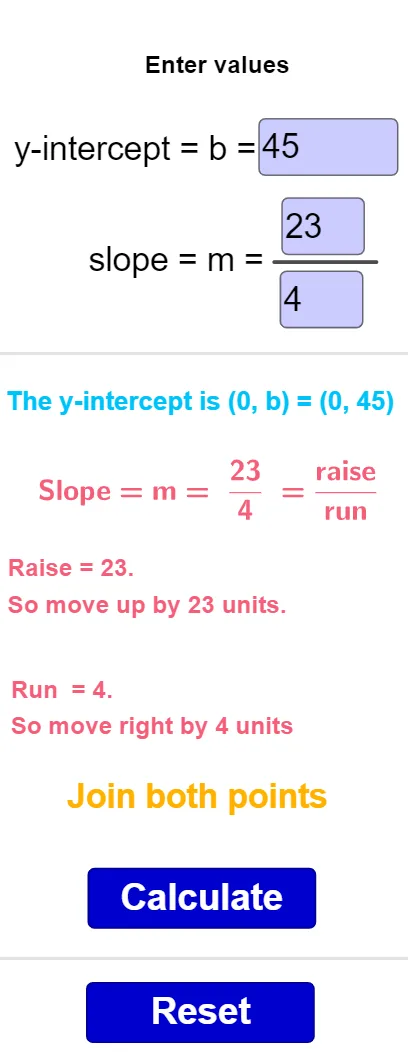
Loading the math board and drawing, please wait…
This example demonstrates exploring the concept of slope by adjusting the parameters of a line. Key mathematical concepts include the definition and calculation of slope. Using GeoGebra commands such as Textfield, Line, and Vector, users can intuitively understand the relationship between slope and the inclination of a line. Suitable for middle school and above students to learn linear equations and geometric construction.
GeoGebra Commands & Parameters
Textfield(a) → InputBox1Textfield(b) → InputBox2Textfield(c) → InputBox3Line(A, C) → fVector(A, B) → uVector(B, C) → vSegment(A, C) → gMidpoint(A, B) → DMidpoint(B, C) → EIf(a ≥ 0, true, false) → eIf(b ≥ 0, true, false) → hIf(c ≥ 0, true, false) → iIf(a < 0, true, false) → jIf(b < 0, true, false) → kIf(c < 0, true, false) → lLine(F, xAxis) → mSegment(G, H) → nLine(I, xAxis) → p
AI Drawing Prompt Reference
Draw a coordinate plane with a line determined by two points, and place three key points on this line corresponding to three adjustable numeric parameters. Use three input boxes to control these parameters, and show arrow vectors from the first point to the second and from the second to the third to indicate direction changes. Connect the first and last points with a segment, and mark the midpoints of adjacent point pairs. Based on the sign of each parameter, display corresponding positive/negative indicators, and add a horizontal auxiliary line and a vertical reference line to help observe the relationship between the line's inclination and its slope.
The prompt above was compiled from the original drawing commands and is for reference only.