
Slippery Surface Geometry Demo
Loading the math board and drawing, please wait…
In collections
Slippery surface
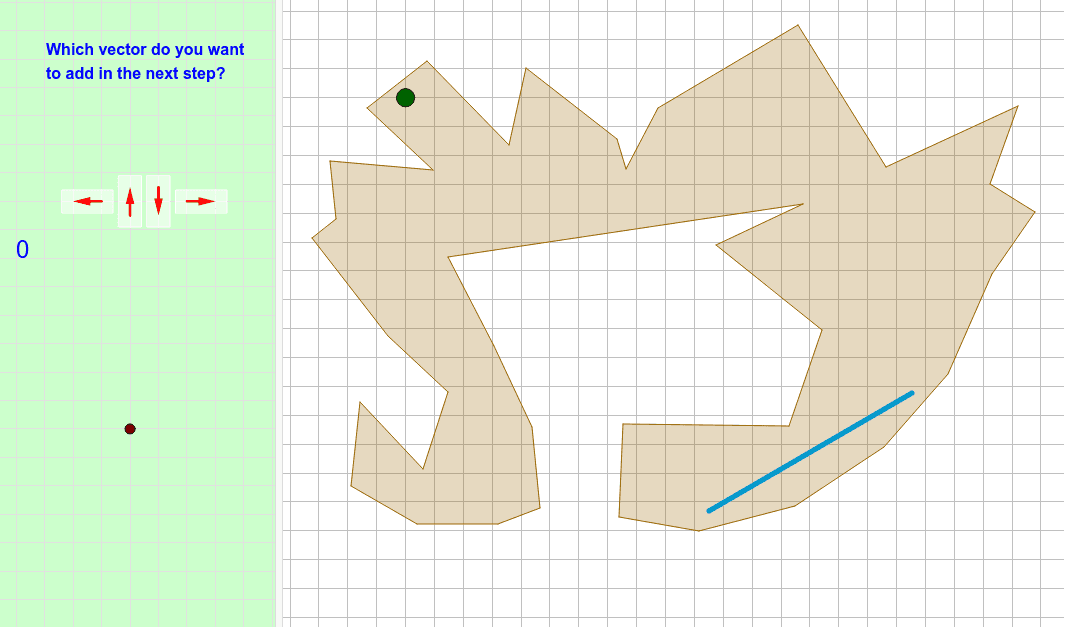
This example demonstrates geometric transformations and reflections on a slippery surface, involving core concepts like expected value, similarity transformation, reflection, prism, and surface. It uses commands such as Polygon, Segment, Intersect, Vector, PolyLine, and Translate in GeoGebra. Suitable for high school students and geometry enthusiasts to understand spatial transformations and probability applications.
GeoGebra Commands & Parameters
Polygon(E, F, B, N, O, R, S, T, U, V, W, Z, G, A_1, B_1, C_1, D_1, E_1, F_1, G_1, H_1, I_1, J_1, H, K_1, L_1, M_1, N_1, O_1, P_1, Q_1, R_1, I, J, K, L, M, A) → camino, c, m, p, q, i_1, s_1, t_1, c_2, d_2, e_2, f_2, d, g_2, h_2, j_2, k_2, l_2, m_2, n_2, p_2, q_2, r_2, e, s_2, t_2, a_3, b_3, c_3, d_3, e_3, f_3, g_3, f, g, h, j, k, lSegment(Q, P) → segmentoIntersect(segmento, camino) → corte, corte_1, corte_2, corte_3, corte_4Segment(C, D) → llegadaIntersect(llegada, segmento) → corteganadorVector(ejemplo, ejemplopunta) → ejemplovectorPolyLine(listarastro) → rastroVector(controles + (1, 1), controles + (0, 1)) → izqVector(controles + (2, 0.5), controles + (2, 1.5)) → arrVector(controles + (3, 1.5), controles + (3, 0.5)) → abaVector(controles + (4, 1), controles + (5, 1)) → derVector(ejemplo, puntoexplicado) → vectorexplicado_1Vector(puntoexplicado, ejemplopunta) → vectorexplicado_2Vector(P, P + (i * (Q - P))) → segmentovisiblePolygon((0, 0), (0.8, 0), (0.8, 1.8), (0, 1.8)) → rectangulito, rectangulito_2, rectangulito_3, rectangulito_4, rectangulito_5Translate(Rotate[rectangulito, 90*°], controles + (5.4, 0.6)) → der_FTranslate(rectangulito, controles + (2.6, 0.1)) → aba_FTranslate(rectangulito, controles + (1.6, 0.1)) → arr_FTranslate(Rotate[rectangulito, 90*°], controles + (1.4, 0.6)) → izq_F