
Sine Ratios in a Unit Circle
Loading the math board and drawing, please wait…
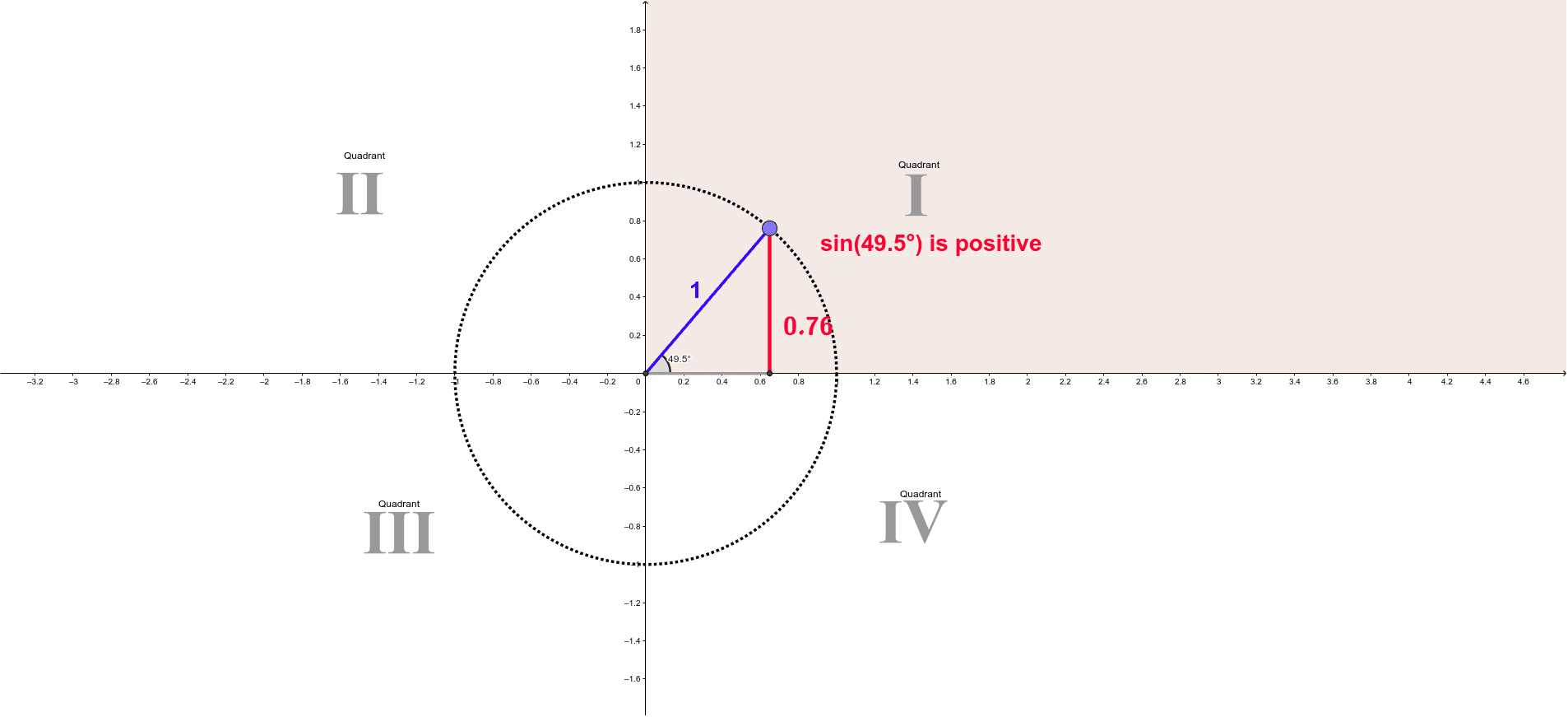
This example demonstrates the concept of sine ratios in a unit circle. Key mathematical concepts include trigonometry and the unit circle. Using GeoGebra commands such as Intersect, Circle, and Point, the construction of sine ratios in a unit circle is illustrated. Suitable for high school mathematics education and learning.
GeoGebra Commands & Parameters
Intersect(xAxis, yAxis) → ACircle(A, B) → cPoint(c) → CSegment(C, A) → aLine(C, yAxis) → bOrthogonalLine(A, yAxis) → dIntersect(b, d) → DSegment(C, D) → eMidpoint(D, C) → EIntersect(c, d, 1) → FAngle(F, A, C) → αMidpoint(C, A) → GPolygon(H, I, 4) → poly1, h, i, f, g, J, KPolygon(H_1, I_1, 4) → poly1_1, h_1, i_1, f_1, g_1, J_1, K_1Polygon(H_2, I_2, 4) → poly1_2, h_2, i_2, f_2, g_2, J_2, K_2Polygon(H_3, I_3, 4) → poly1_3, h_3, i_3, f_3, g_3, J_3, K_3Segment(A, D) → j
AI Drawing Prompt Reference
Draw a unit circle and select a point C on it. Connect the center A to point C, draw a perpendicular line b from C to the y-axis and a vertical line d from A to the y-axis, intersecting at point D. Connect CD and find its midpoint E. Construct angle α between A and C. Draw a square H, I, J, K, then another similar square H1, I1, J1, K1, followed by a third square H2, I2, J2, K2. Finally, draw a line segment AD.
The prompt above was compiled from the original drawing commands and is for reference only.