
Sine Function from Unit Circle
Loading the math board and drawing, please wait…
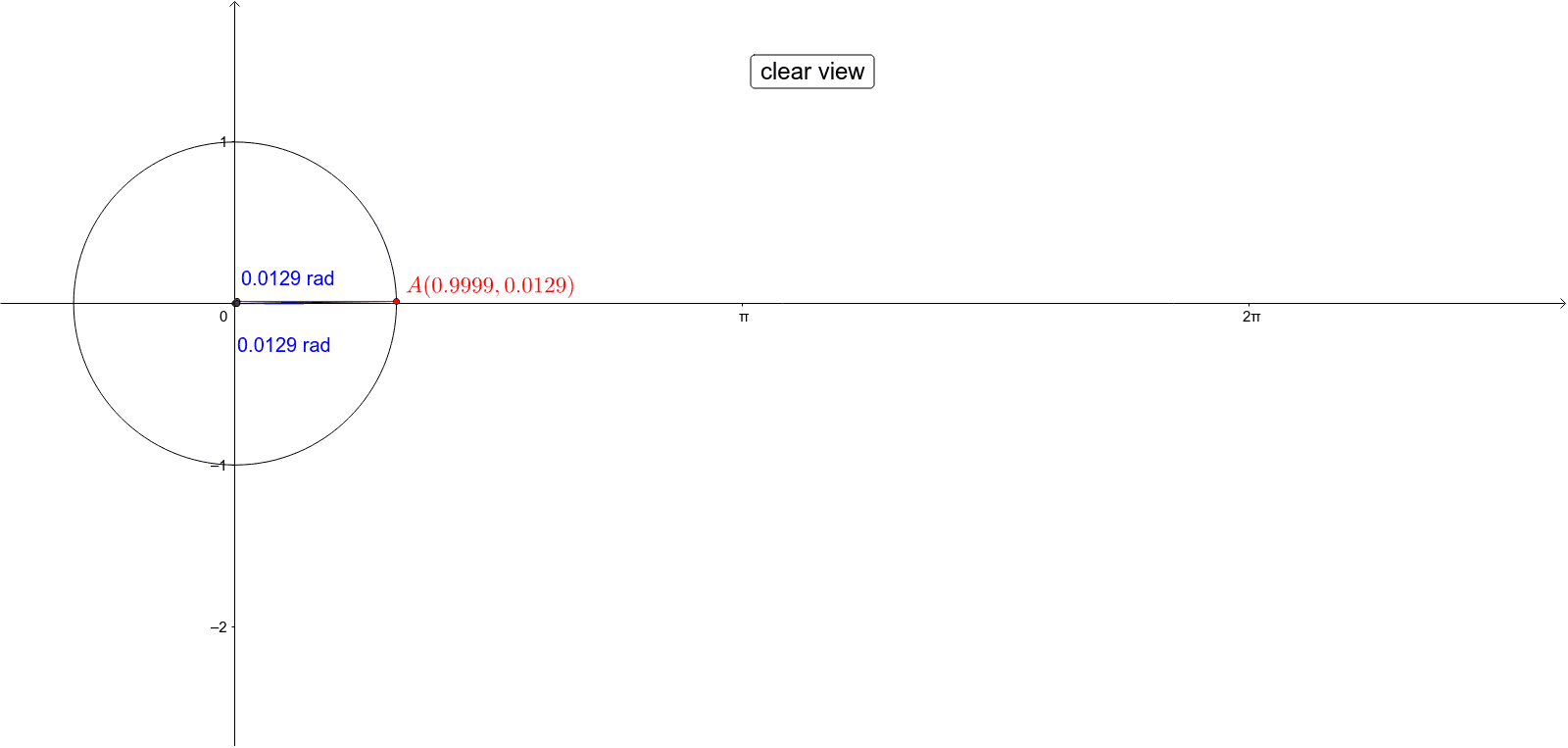
This example dynamically demonstrates the relationship between a point on the unit circle and its corresponding sine function graph, revealing the geometric meaning of the sine function. Key math concepts include the unit circle, trigonometric functions, function graphs, and geometric construction. It utilizes GeoGebra commands such as Intersect, Circle, Point, Segment, Angle, and DynamicCoordinates. Suitable for high school students learning trigonometric functions and analytical geometry, helping them understand the generation process of function graphs.
GeoGebra Commands & Parameters
Intersect(xAxis, yAxis) → OCircle(O, 1) → cPoint(c) → ASegment(O, A) → aAngle(xAxis, a) → alphaDynamicCoordinates(A, alpha, y(A)) → BSegment(A, B) → bSegment(B, C) → d
AI Drawing Prompt Reference
Draw a unit circle centered at the origin. Place a moving point on the circle and connect it to the origin with a radius segment. Mark the angle between the positive x-axis and this radius. From the moving point, draw a horizontal segment to a point whose x-coordinate equals the angle measure and y-coordinate equals the moving point's y-coordinate, placing this point on the sine curve. Finally, connect this point back to the moving point with a vertical segment, illustrating how the sine function arises from the unit circle.
The prompt above was compiled from the original drawing commands and is for reference only.