
Simple Triangle Solver - SSA Cases Not Handled
Loading the math board and drawing, please wait…
In collections
Grade 12 Calculus & Vectors MCV4U1
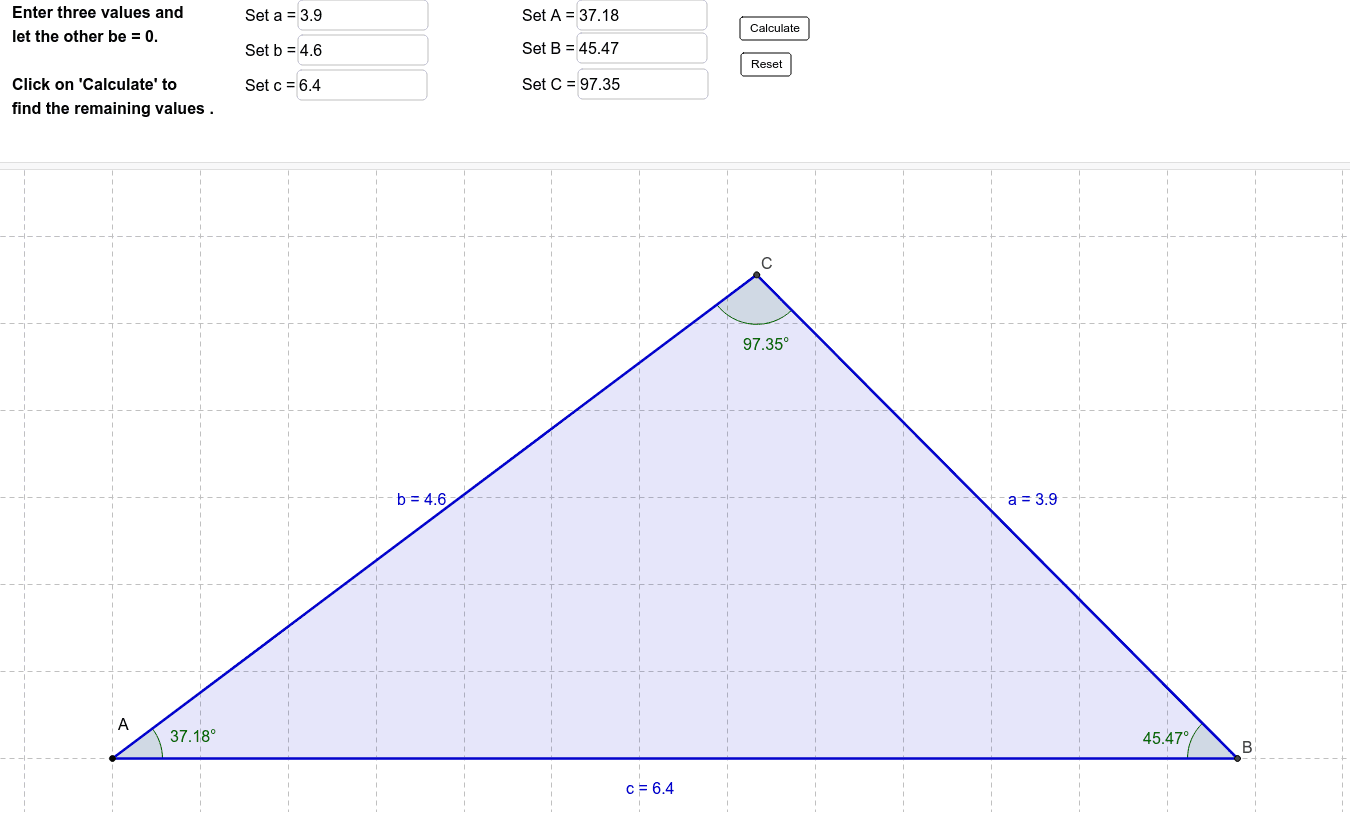
This example demonstrates a simple triangle solver that calculates unknown triangle parameters based on given sides and angles; core math concepts include trigonometry, geometric construction, and triangle congruence criteria; construction highlights: utilizes commands/objects like Circle, Intersect, Textfield, Polygon, Angle, Corner from GeoGebra; suitable for high school mathematics teaching, aiding students in understanding basic triangle properties and solving methods.
GeoGebra Commands & Parameters
Circle(T_2, a_0) → c_2Circle(T_1, b_0) → c_1Intersect(c_1, c_2) → T_3, T_4, ,Textfield(a_0) → inputBox1Textfield(b_0) → inputBox2Textfield(c_0) → inputBox3Textfield(A) → inputBox4Textfield(B) → inputBox5Textfield(C) → inputBox6Polygon(T_1, T_2, T_3) → T, c, a, bAngle(T_2, T_1, T_3) → αAngle(T_1, T_3, T_2) → βAngle(T_3, T_2, T_1) → γCorner(5) → S
AI Drawing Prompt Reference
Draw a triangle with two sides a and b and the included angle A. Use circles and intersection points to construct the third side c, and label the three angles α, β, and γ. First, input the values of a, b, and A, then construct the three vertices of the triangle using circles with radii a and b, find the intersection points of the two circles as the third vertex, connect the three vertices to form the triangle, and measure and label each angle.
The prompt above was compiled from the original drawing commands and is for reference only.