
Simple Angle: One Fixed Line Segment
Loading the math board and drawing, please wait…
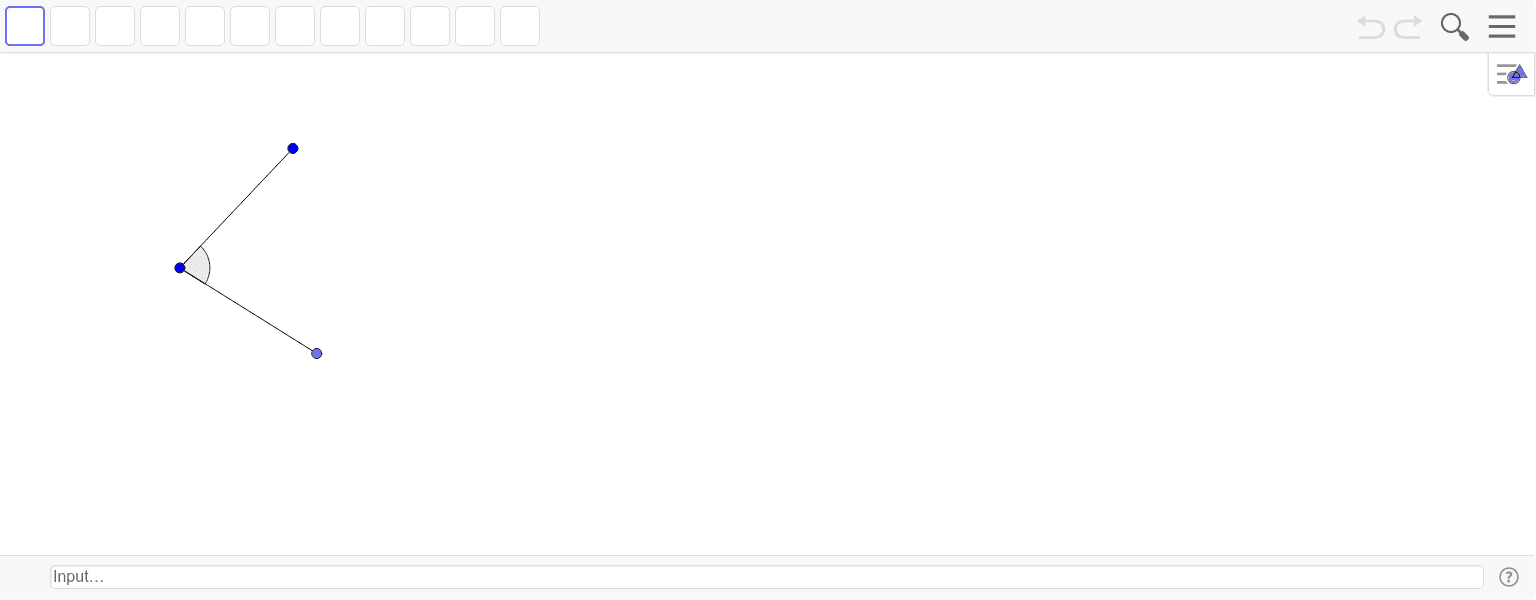
This example demonstrates the construction of a dynamic angle based on a fixed line segment, allowing users to move a point to observe how the angle measure changes. The core mathematical concept is the definition and measurement of angles, involving fundamental geometric elements: points, segments, and angles. The construction uses GeoGebra commands: Point to create points A and B, Segment to form the fixed segment f, Point to generate a movable point C, Segment to connect C to the segment endpoint forming ray g, and Angle to measure angle α. Suitable for middle school geometry lessons, this interactive tool helps students intuitively understand the components of an angle and its dynamic variation, and can be used to explore the relationship between ray position and angle size.
GeoGebra Commands & Parameters
Point(Circle[A, 3]) → BSegment(A, B) → fSegment(A, C) → gAngle(B, A, C) → α
AI Drawing Prompt Reference
Draw a fixed line segment, then take a point on a circle centered at one endpoint of the line segment. Connect this point to the other endpoint of the line segment to form a ray, and measure the angle between the ray and the fixed line segment, showing how the angle changes as the point moves along the circle.
The prompt above was compiled from the original drawing commands and is for reference only.