
Significant Figures Self Directed Quiz
Loading the math board and drawing, please wait…
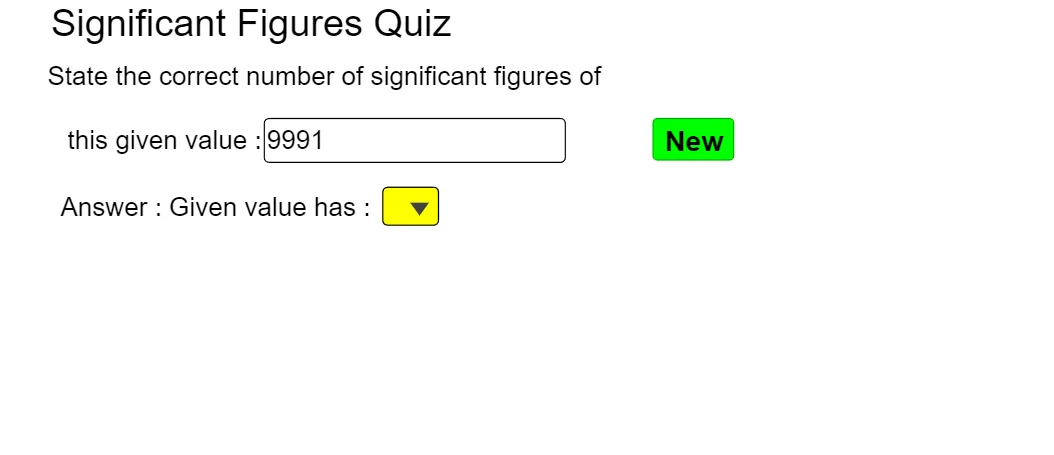
This example demonstrates a self-directed quiz for understanding and practicing significant figures with terminating decimal numbers. It involves core math concepts like significant digit rules and numerical precision. Constructed using GeoGebra commands and objects such as TextToUnicode, Frequency, Unique, If, Min, Reverse, Length, Textfield, Sequence, IndexOf, Insert, UnicodeToText, Join, suitable for high school and above students for self-assessment and reinforcement of significant figures knowledge.
GeoGebra Commands & Parameters
TextToUnicode(inputanswertxt) → l1Frequency(Sort[l1]) → l6Unique(Sort[l1]) → l4If(Element[l4, 1] ≟ 48, Element[l6, 1], If[Element[l4, 2] ≟ 48, Element[l6, 2], 0]) → numberofzerosIf(Defined[IndexOf[46, l1]], IndexOf[46, l1], -1) → pMin(Sequence[If[Defined[IndexOf[i, l1]], IndexOf[i, l1], 11], i, 49, 57]) → fnumReverse(l1) → l2Length(l1) → kIf(Defined[k - IndexOf[48, l2] + 1], k - IndexOf[48, l2] + 1, 0) → lzeroTextfield(inputanswertxt) → InputBox1Sequence(If[Defined[IndexOf[i, l1]], IndexOf[i, l1], 11], i, 49, 57) → l3IndexOf(48, l1) → fzeroIf(SelectedIndex[listChoices1] ≟ answerchoice, true, false) → answercorrectTextToUnicode(Text[D1]) → E1TextToUnicode(Text[D2]) → E2TextToUnicode(Text[D3]) → E3Insert({46}, Join[{TextToUnicode[Text[D4]], RandomElement[{{48}, {48, 48}, {48, 48, 48}}]}], Random[2, Length[TextToUnicode[Text[D4]]]]) → E4TextToUnicode(Text[D5]) → E5UnicodeToText(E1) → F1UnicodeToText(E2) → F2UnicodeToText(E3) → F3UnicodeToText(E4) → F4UnicodeToText(E5) → F5Join({TextToUnicode[Text[D6]], RandomElement[{{48}, {48, 48}, {48, 48, 48}}]}) → E6UnicodeToText(E6) → F6
AI Drawing Prompt Reference
Create an interactive quiz interface for significant figures practice. Place a text input box in the center for entering decimal answers. Below it, show a dropdown menu with several choices, one being correct. Around the interface, display six sample numbers, each with a text area beneath showing a randomly generated variant, some including decimal points or trailing zeros. Keep the layout clean, emphasizing the input and selection areas, with feedback indicators for correct or incorrect answers.
The prompt above was compiled from the original drawing commands and is for reference only.