
Set Dimension Graphical Visualization
Loading the math board and drawing, please wait…
In collections
Complex Math
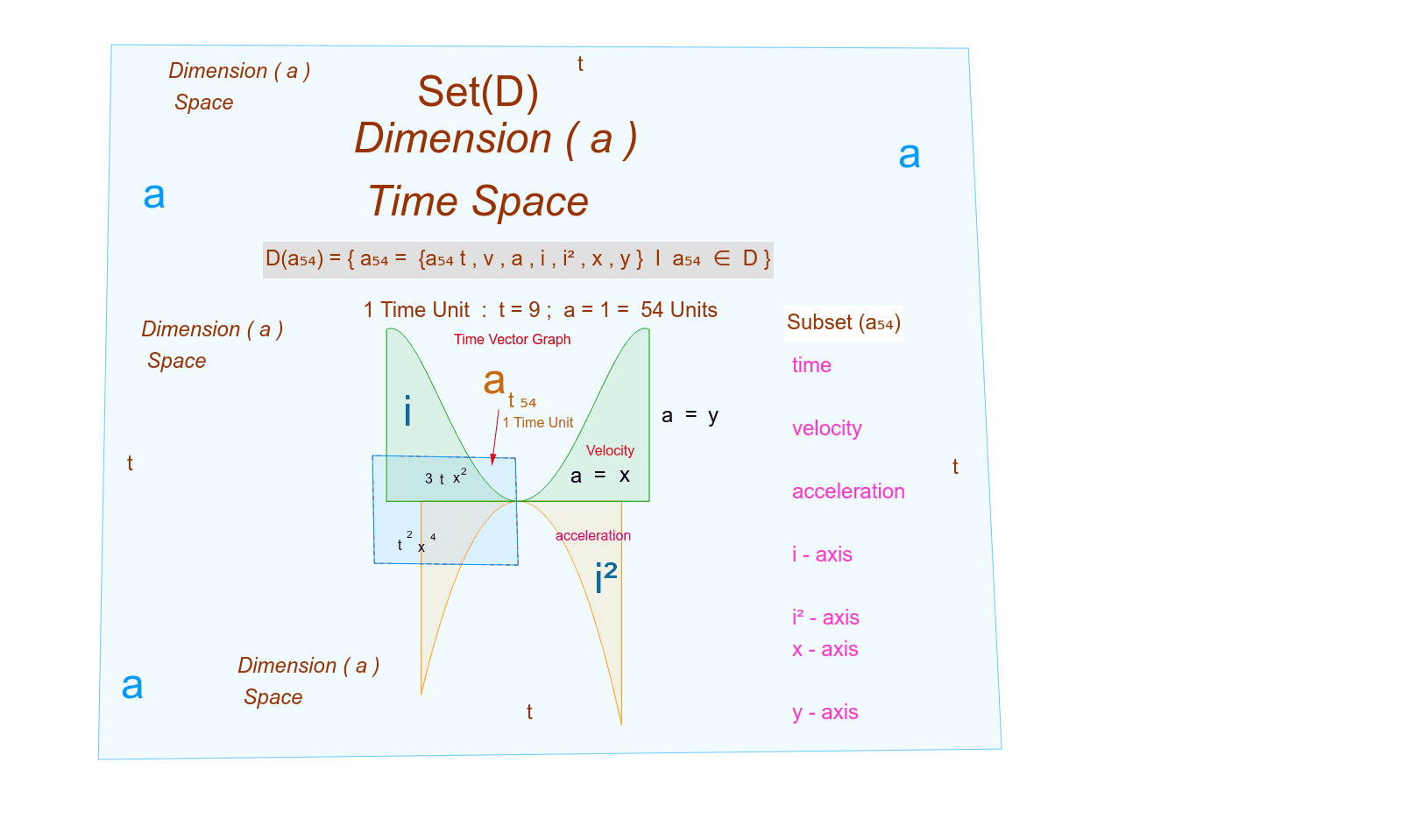
This example demonstrates the concept of set dimension and visually represents it using time units. It involves core mathematical concepts like set theory, dimensionality, and time units. The construction utilizes GeoGebra commands and objects such as Point, Segment, Intersect, Integral, CircleArc, Polygon, and Vector. It is suitable for high school and above students to understand geometric representations and visualizations of set dimensions.
GeoGebra Commands & Parameters
Point(g) → APoint(g) → BSegment(A, B) → bPoint(p) → CPoint(p) → DSegment(C, D) → cIntersect(g, c, 1) → EIntersect(g, c, 2) → FIntegral(g, -0.14, 0.15) → dIntegral(p, -0.19, 0.19) → eIntegral(p(x) - g(x), -0.19, 0.19) → iSegment(G, H) → jSegment(H, I) → kSegment(I, J) → lIntersect(k, l) → MCircleArc(M, N, O) → sSegment(P, Q) → tSegment(P, R) → a_1Segment(R, S) → b_1Segment(S, Q) → c_1Intersect(t, c_1) → TIntersect(b_1, c_1) → UIntersect(a_1, b_1) → VIntersect(t, a_1) → WPolygon(T, U, V, W) → poly1, t_1, u, v, wVector(Z, A_1) → u_1Polygon(B_1, C_1, D_1, E_1) → poly2, b_2, c_2, d_1, e_1
AI Drawing Prompt Reference
Draw a segment b with points A and B, and a segment c with points C and D. Find the intersection points E and F of segment c with segment b, and the intersection point D of segment c with curve g. Then, draw the area d enclosed by curve g and segment c, the area e enclosed by segment p and segment c, and the area i enclosed by segment p and curve g. Next, draw segments j, k, and l, and find the intersection point M of segment k and segment l. Draw a circular arc s with M as the center. Then, draw segments t, a1, b1, and c1, and find the intersection points T of segment t and segment a1, U of segment b1 and segment c1, V of segment a1 and segment b1, and W of segment t and segment a1. Finally, use these points to form a quadrilateral poly1 and draw vector u_1.
The prompt above was compiled from the original drawing commands and is for reference only.