
Sequences and Lists in GeoGebra
Loading the math board and drawing, please wait…
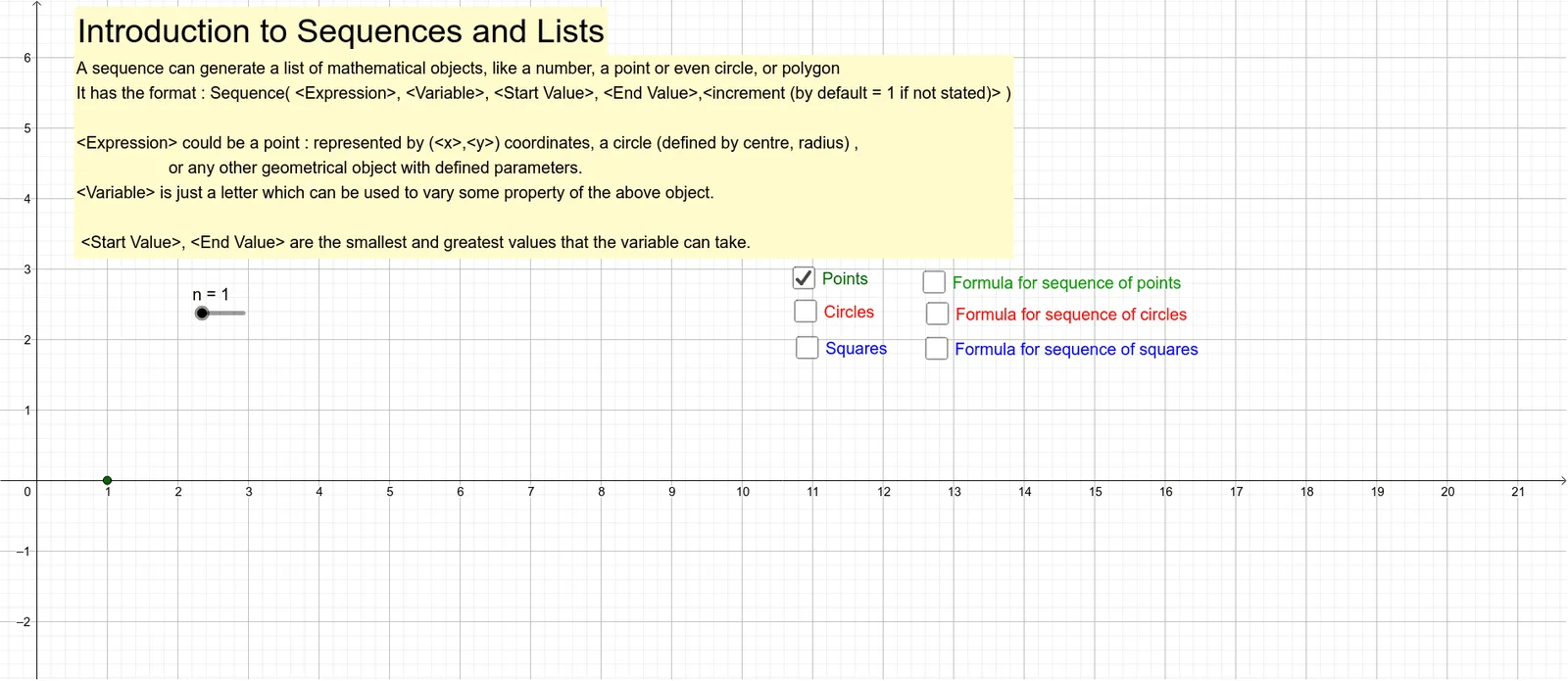
This example demonstrates the use of the Sequence command in GeoGebra to generate and visualize sequences. It involves core mathematical concepts such as sequences, list operations, and geometric constructions. Key GeoGebra commands and objects used include Sequence, n, text1, radius, text2, listpoints, listcirclesCR, listsquares, a, b, c, text3, d, text5, text4, e, f, text6, text7. It is suitable for high school students learning about the applications and geometric representations of sequences.
GeoGebra Commands & Parameters
Sequence((t, 0), t, 1, n) → listpointsSequence(Circle[(t, 1), radius], t, 1, n, 1) → listcirclesCRSequence(Polygon[(t - radius, -1 - radius), (t + radius, -1 - radius), 4], t, 1, n) → listsquares
AI Drawing Prompt Reference
Draw a graphic demonstrating sequence concepts, including a point sequence, a set of circles, and a set of squares. The point sequence is arranged along a horizontal line, each point labeled with its index. Based on the point sequence, draw a set of circles with fixed radius centered at each point. Then, based on the point sequence, draw a set of squares with consistent shape and size, each centered around corresponding points. All objects are arranged from left to right in order, clearly showing the generation and geometric representation of the sequence.
The prompt above was compiled from the original drawing commands and is for reference only.