
Rotation of a Circle and 3D Sphere Visualization
Loading the math board and drawing, please wait…
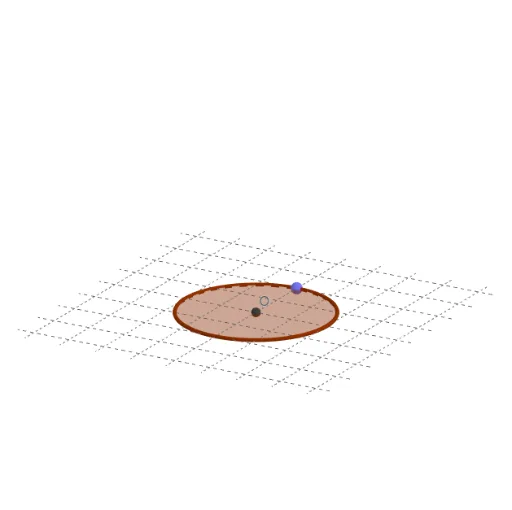
This example demonstrates rotating a circle in 3D space, with a slider controlling the rotation angle to generate a sphere or show the circle's trajectory at different orientations. Core mathematical concepts include rotation of circles, 3D vectors, similar triangles, and parametric curves/surfaces. Construction uses GeoGebra commands: Point, Intersect, Circle, Rotate, and Sphere, creating points A and O, angle slider θ, boolean showSolid, circle c and its rotated image c', and the resulting sphere a. Suitable for high school or college students learning 3D geometric transformations, spatial reasoning, and dynamic math demonstrations, also useful for understanding how solids of revolution (like spheres) are formed.
GeoGebra Commands & Parameters
Point(yAxis) → AIntersect(xAxis, yAxis) → OCircle(O, A) → cRotate(c, (-θ), yAxis) → c'Sphere(O, A) → a
AI Drawing Prompt Reference
In 3D space, place a point on the vertical axis and use the origin as the center. Draw a circle centered at the origin passing through that point. Add a slider to control the rotation angle, and rotate this circle around the vertical axis by that angle, showing its trajectory at different orientations. Also display a sphere with the origin as its center and radius equal to the distance from the origin to the point on the axis. The construction includes the origin, the axial point, the original circle, the rotated circle, and the sphere, with the slider dynamically demonstrating how the rotating circle generates the sphere.
The prompt above was compiled from the original drawing commands and is for reference only.