
Rotation and Inversion Geometric Transformation
Loading the math board and drawing, please wait…
In collections
Música y Matemáticas
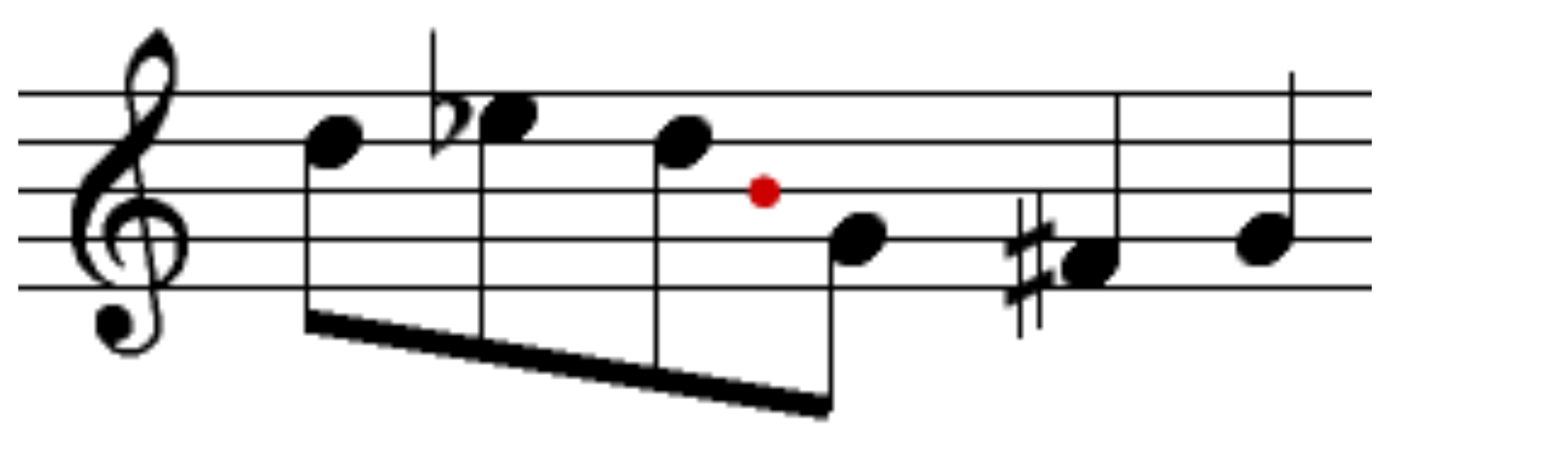
This example demonstrates two important plane geometry transformations: rotation and inversion. Through four control points A, B, C, D and the generated image object imagen2, it shows how to implement point rotation and inversion transformations in GeoGebra. The core mathematical concepts include: rotation (rotating around a center point by a specified angle), inversion (symmetry transformation about a point or line), and vector and angle calculations. Construction details: using Vector commands to define rotation direction and magnitude, Angle to control rotation angles, and coordinate transformations of points A, B, C, D to achieve rotation and mirror effects. This example is suitable for high school geometry transformation lessons or introductory college geometry courses, allowing students to observe dynamic transformation processes by dragging sliders or adjusting parameters.
GeoGebra Commands & Parameters
Point A(-16.785, 5.225)Point B(-9.415, 5.225)Point C(-16.75, 5.545)Point D(-9.31, 5.545)
AI Drawing Prompt Reference
Draw a figure consisting of four points to demonstrate rotation and inversion transformations. The points A, B, C, and D should be clearly positioned, with a rotation center and inversion symmetric points included. Adjusting the points allows observation of rotation and inversion effects. The figure should be simple and clear, suitable for geometry learning.
The prompt above was compiled from the original drawing commands and is for reference only.