
Rotation and Image Transformation
Loading the math board and drawing, please wait…
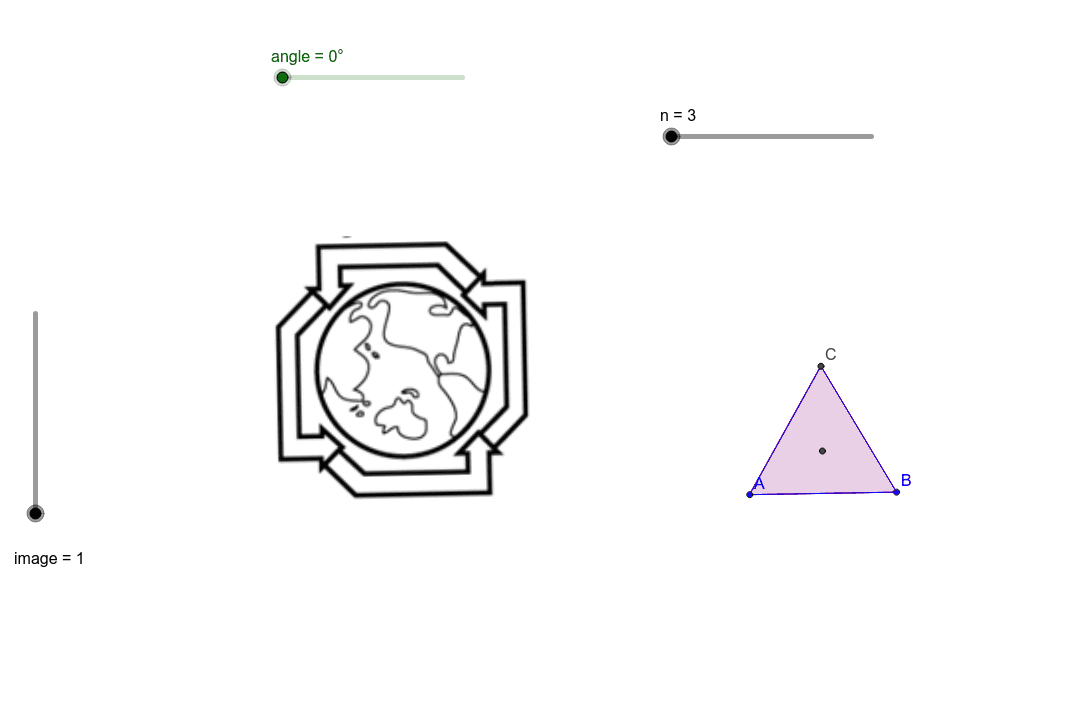
This example demonstrates how to perform rotation and image transformation using GeoGebra. Key mathematical concepts include rotation, symmetry, and reflection. Using commands like Polygon, Circle, Center, and Rotate, the example constructs rotated images. Suitable for students at the junior high school level and above.
GeoGebra Commands & Parameters
Polygon(A, B, n) → poly1, a, D, E, F, H, I, b, c, d, e, f, g, h, CCircle(B, C, A) → kCenter(k) → GRotate(poly1, angle, G) → poly1'Circle(L, M, N) → pCenter(p) → OCenter(p) → PRotate(pic1, angle, O) → pic1'Rotate(pic2, angle, P) → pic2'Rotate(pic3, angle, P) → pic3'Rotate(pic4, angle, P) → pic4'Rotate(pic5, angle, P) → pic5'Rotate(pic6, angle, P) → pic6'
AI Drawing Prompt Reference
Draw a hexagon ABCDEF and rotate it around point G. Then, draw a circle k with center G, and rotate circle k around point O twice to get circle p and its rotated image. Finally, rotate the hexagon ABCDEF five times around point P to get five new rotated images.
The prompt above was compiled from the original drawing commands and is for reference only.