
Angle Addition Formula Without Measures by Mark.Allen@mnps
Loading the math board and drawing, please wait…
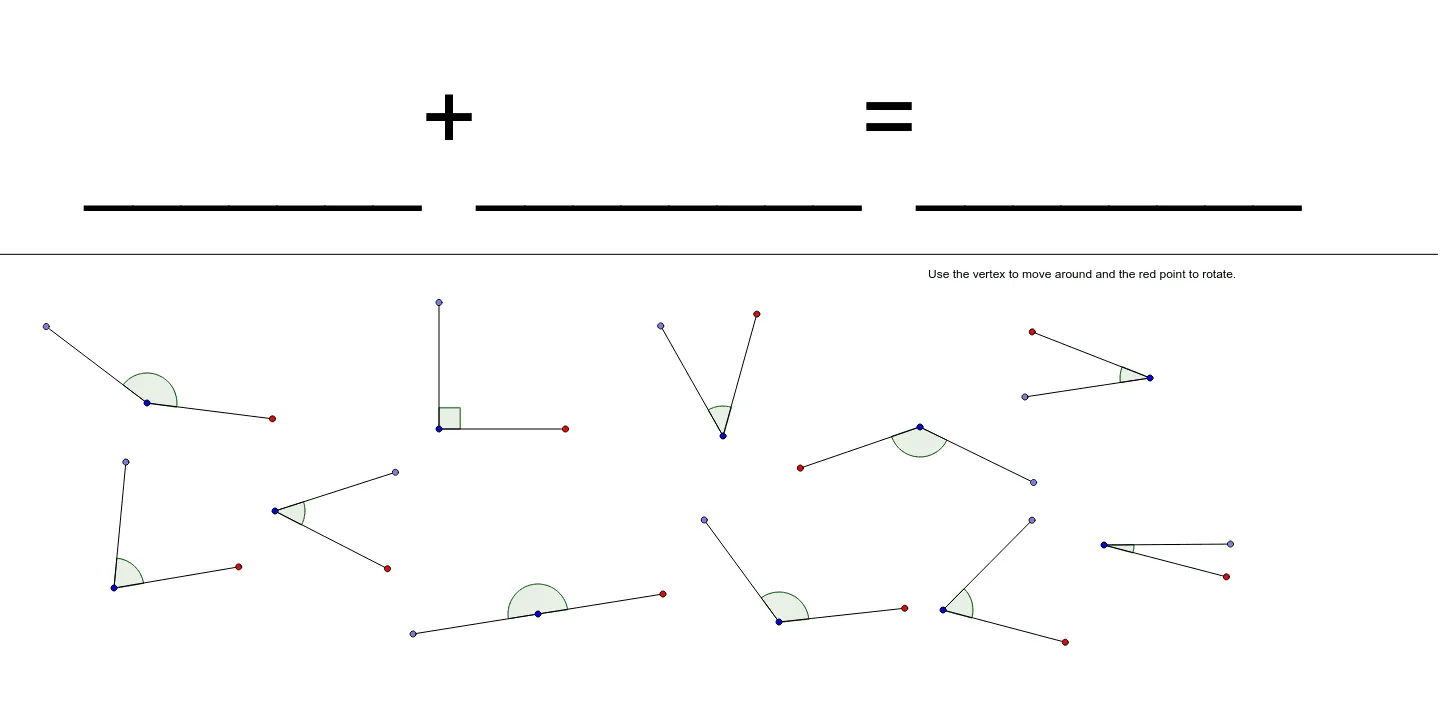
This GeoGebra example demonstrates the angle addition formulas (e.g., sin(α+β) and cos(α+β)) through a purely geometric construction, without relying on any numerical measurements. The core mathematical concepts are trigonometric identities and the composition of rotations, involving points on a circle, segments, rotations, and angle objects. The construction uses commands such as Line, Point, Segment, Rotate, and Angle, creating numerous points (A, B, D, C, E, F, G, H, I, J, K, L, M, N, O, P, Q, R, S, T, U, V, W) and segments (a through k), with rotated points like G', Q', and I', and labeled angles α and β. By rotating and connecting segments, the construction visually reveals how the sine and cosine of the sum of two angles relate to the individual angles' sines and cosines. This is ideal for high school or early college students learning trigonometric identities, and serves as an excellent visual aid for teachers or for self-directed exploration.
GeoGebra Commands & Parameters
Line(C, E) → aPoint(Circle[F, 4]) → GSegment(F, G) → bRotate(G, 45*°, F) → G'Angle(G, F, G') → αSegment(F, G') → cPoint(Circle[H, 4]) → ISegment(H, I) → dPoint(Circle[J, 4]) → KSegment(J, K) → ePoint(Circle[L, 4]) → MSegment(L, M) → fPoint(Circle[N, 4]) → OSegment(N, O) → gPoint(Circle[P, 4]) → QSegment(P, Q) → hPoint(Circle[R, 4]) → SSegment(R, S) → iPoint(Circle[T, 4]) → USegment(T, U) → jPoint(Circle[V, 4]) → WSegment(V, W) → kRotate(Q, 45*°, P) → Q'Angle(Q, P, Q') → βRotate(I, 90*°, H) → I'Angle(I, H, I') → γRotate(K, 135*°, J) → K'Angle(K, J, K') → δRotate(M, 180*°, L) → M'Angle(M, L, M') → εRotate(U, 30*°, T) → U'Angle(U, T, U') → ζRotate(S, 15*°, R) → S'Angle(S, R, S') → ηRotate(O, 60*°, N) → O'Angle(O, N, O') → θRotate(W, 75*°, V) → W'Angle(W, V, W') → ιSegment(P, Q') → lSegment(L, M') → mSegment(H, I') → nSegment(J, K') → pSegment(T, U') → qSegment(R, S') → rSegment(N, O') → sSegment(V, W') → tPoint(Circle[Z, 4]) → A_1Segment(Z, A_1) → a_1Rotate(A_1, 120*°, Z) → B_1Angle(A_1, Z, B_1) → κSegment(Z, B_1) → b_1Point(Circle[C_1, 4]) → D_1Segment(C_1, D_1) → c_1Rotate(D_1, 150*°, C_1) → E_1Angle(D_1, C_1, E_1) → λSegment(C_1, E_1) → d_1
AI Drawing Prompt Reference
Draw a straight line and place several equal‑radius circles along it. From each center draw a radius to a point on the circumference, then rotate that point about the center by 45°, 90°, 135°, 180°, 30°, 15°, 60°, and 75° to obtain new points. Connect each center to its rotated point, and mark the angle between the original radius and the rotated radius at each center, labeling them α, β, γ, δ, ε, ζ, η, θ, ι. The construction visually demonstrates the angle addition formulas.
The prompt above was compiled from the original drawing commands and is for reference only.