
Rotating Rectangle: Geometric Transformation and Area Calculation
Loading the math board and drawing, please wait…
In collections
Rotating 2D shapes to make 3D Shapes
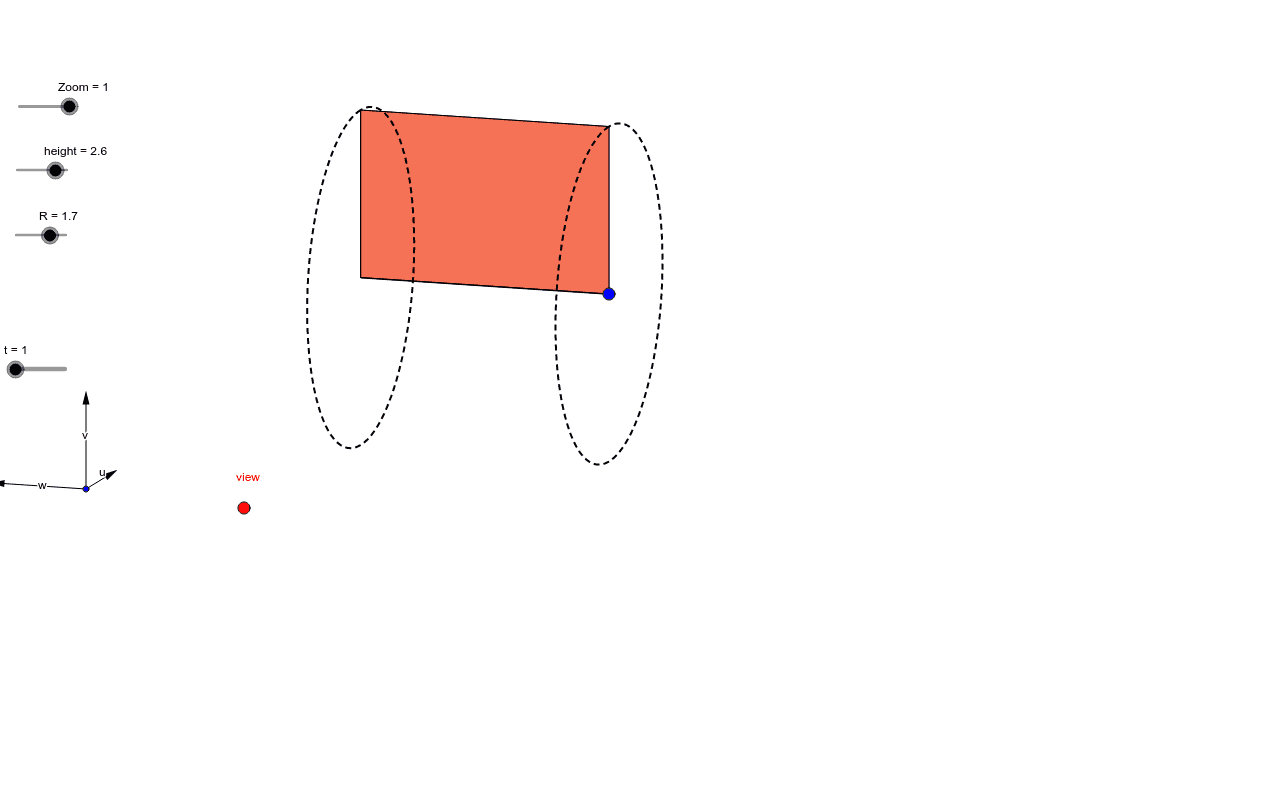
This example demonstrates how rotating a rectangle helps understand geometric transformations and area calculations. Key mathematical concepts include rotation, area formulas, coordinate geometry, and graphing functions. Construction involves GeoGebra commands like Vector, OrthogonalLine, CurveCartesian, and Polygon. Suitable for middle school students learning geometric transformations or high school students for mathematical modeling.
GeoGebra Commands & Parameters
Vector(B_1, X) → uVector(B_1, Y) → vOrthogonalLine(view, yAxis) → a_1OrthogonalLine(view, xAxis) → bVector(B_1, Z) → wSequence((x(O), y(O)) - (R * (((sin(0°) * sin(i°)) * w) + ((cos(0°) * sin(i°)) * u) - (cos(i°) * v))), i, 0, k, n) → liste1Translate(O, Vector[(height * w)]) → FSequence((x(F), y(F)) - (R * (((sin(0°) * sin(i°)) * w) + ((cos(0°) * sin(i°)) * u) - (cos(i°) * v))), i, 0, k, n) → liste5Sequence(Polygon[O, Element[liste1, i], Element[liste5, i], F], i, 0, t) → liste6CurveCartesian(x(F - (R * (((0 * sin(i)) * w) + (sin(i) * u) - (cos(i) * v)))), y(F - (R * (((0 * sin(i)) * w) + (sin(i) * u) - (cos(i) * v)))), i, 0, 6.283185307179586) → fCurveCartesian(x(O - (R * (((0 * sin(i)) * w) + (sin(i) * u) - (cos(i) * v)))), y(O - (R * (((0 * sin(i)) * w) + (sin(i) * u) - (cos(i) * v)))), i, 0, 6.283185307179586) → dPolygon(O, F, Element[liste5, t], Element[liste1, t]) → poly2, m, p, q, sSegment(F, O) → f_1
AI Drawing Prompt Reference
Please draw a rotating rectangle to demonstrate geometric transformations and area calculations. First, define an origin and three vectors representing the length, width, and height directions of the rectangle. Then construct the four vertices of the rectangle using these vectors. Next, rotate the rectangle around the origin by a certain angle and draw the rotated rectangle. Finally, calculate and display the areas of the rectangle before and after rotation.
The prompt above was compiled from the original drawing commands and is for reference only.