
Rotating Polygon Surface
Loading the math board and drawing, please wait…
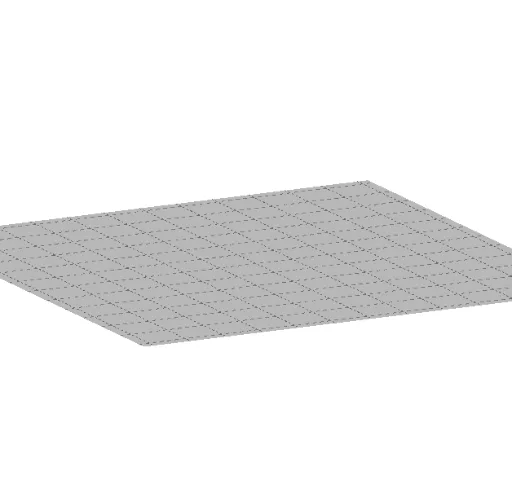
This example demonstrates how to use GeoGebra to draw the surface of a rotating polygon. Key mathematical concepts include polygons, surface rotation, continuity, and intersection. The construction uses the Polygon and Surface commands. Suitable for high school mathematics education and learning.
GeoGebra Commands & Parameters
Polygon(A, B, n) → pol1, f, E, F, G, g, h, i, j, k, l, C, DSurface(pol1, α, xAxis) → aPolygon(H, I, J, K, L) → pol2, h_1, i_1, j_1, k_1, l_1Surface(pol2, α, xAxis) → b
AI Drawing Prompt Reference
Draw a rotating polygon surface by first creating a polygon, then rotating it around the x-axis at a certain angle to form a surface, and subsequently creating another polygon and rotating it around the x-axis to form another surface, combining both to visualize the rotating polygon surface.
The prompt above was compiled from the original drawing commands and is for reference only.