
Rotate Conics
Loading the math board and drawing, please wait…
In collections
Conics Doug Kuhlmann
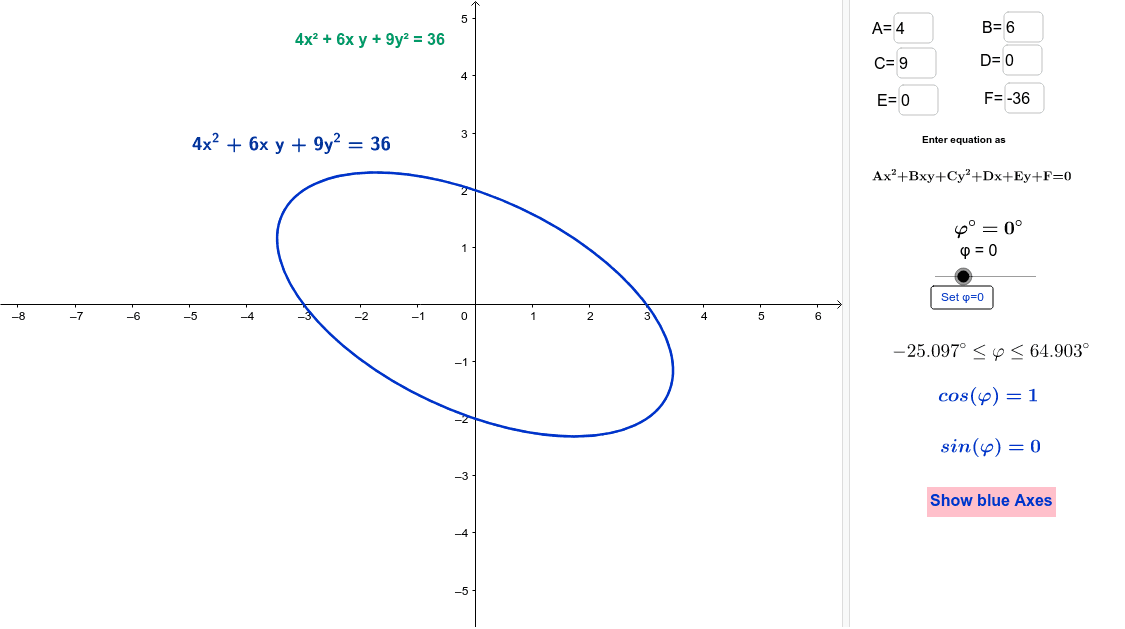
This example demonstrates how to transform conic sections through rotation. Key mathematical concepts include the properties and transformations of conic sections. Using GeoGebra commands, it constructs circles, ellipses, hyperbolas, and parabolas, and observes their changes during the rotation process. Suitable for high school mathematics education and learning.
GeoGebra Commands & Parameters
Textfield(A) → AeqTextfield(B) → BeqTextfield(C) → CeqTextfield(D) → DeqTextfield(E) → EeqTextfield(F) → FeqIf(A ≟ C, 0.7854, (0.5 * atan(B / (A - C)))) → phiIf(phi > 0, phi, phi + π / 2) → maxφIf(phi < 0, phi, phi - π / 2) → minφLine((0, 0), (1; phi - φ)) → aLine((0, 0), (1; phi - φ + π / 2)) → bIf(togAX ≟ 1, "Hide blue axes", "Show blue Axes") → ShowBlueAxes
AI Drawing Prompt Reference
Draw a diagram showing the rotation of conic sections, including circles, ellipses, hyperbolas, and parabolas, with their changes during rotation. Start by drawing two perpendicular lines as reference axes, then plot the conic sections based on the rotation angle, and label the rotation angle and reference lines.
The prompt above was compiled from the original drawing commands and is for reference only.