
Right Cone by k.goodwin
Loading the math board and drawing, please wait…
In collections
Volume Project
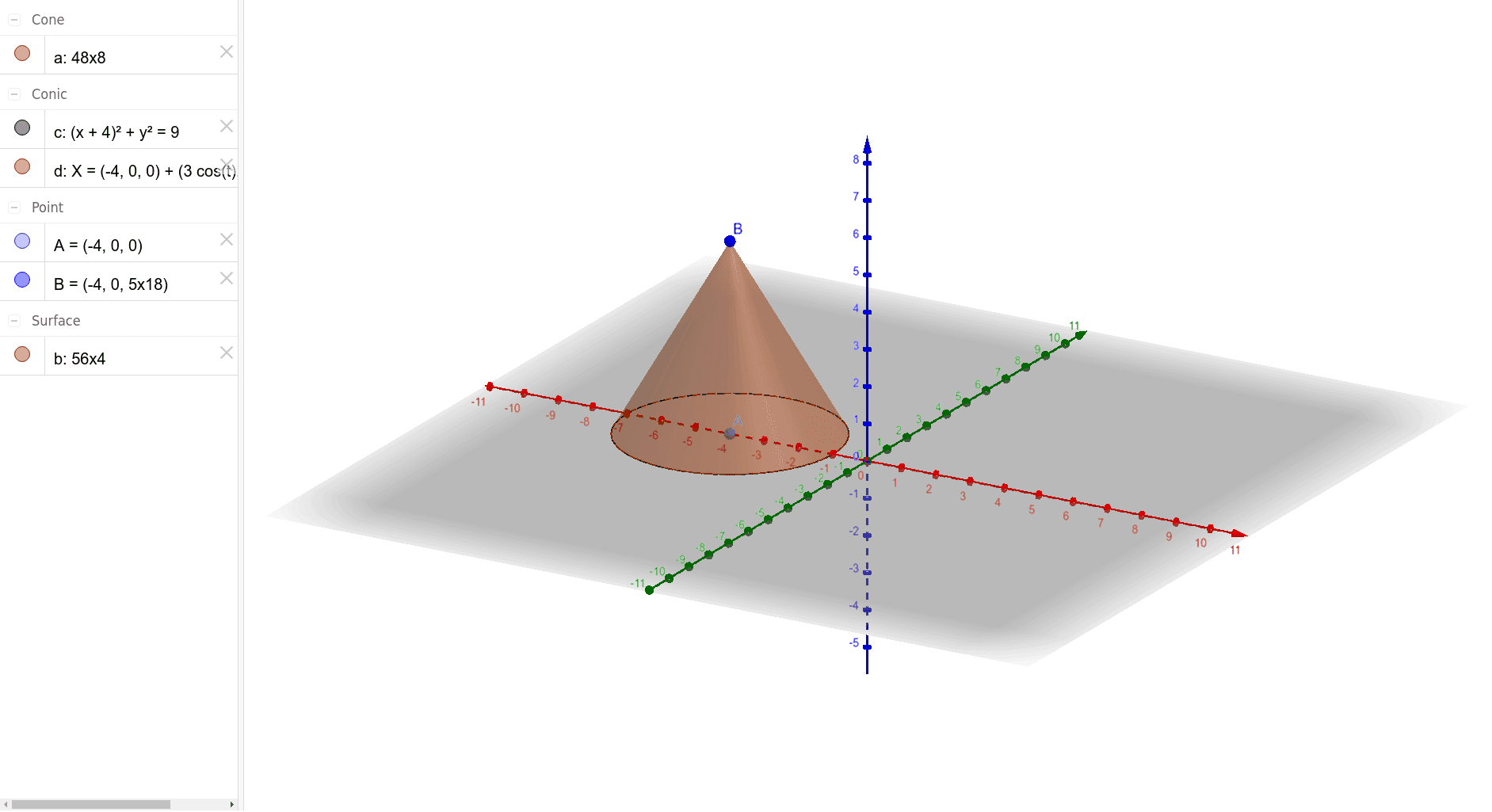
This example demonstrates the geometric construction of a right cone, including its properties and related mathematical concepts such as solid geometry, conic section equations, derivatives, and tangent lines. The construction involves using GeoGebra commands like Point, Circle, and Cone to create points A, c, B, a, d, b and form the cone. It is suitable for high school students learning solid geometry and introductory calculus, providing a visual understanding of the cone and its mathematical characteristics.
GeoGebra Commands & Parameters
Point(xAxis) → ACircle(A, 3) → cCone(A, B, 3) → a, d, b
AI Drawing Prompt Reference
Draw a right cone by first creating a straight line, then drawing a circle with a radius of 3 centered on a point on the line, and finally constructing a cone using the line and points on the circle as the base and apex, showcasing its geometric properties and related mathematical concepts.
The prompt above was compiled from the original drawing commands and is for reference only.