
RGB Scheme with Modulus and Phase
Loading the math board and drawing, please wait…
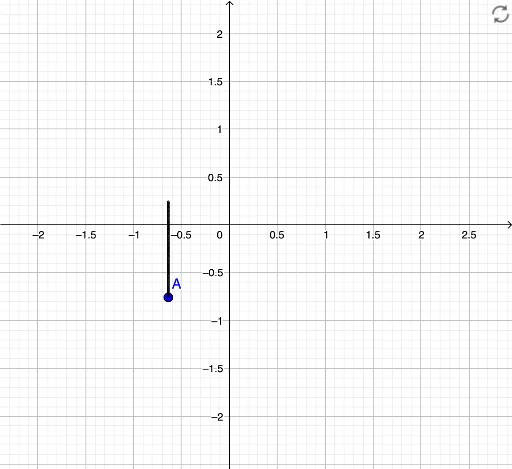
This example demonstrates how to generate an RGB color scheme using modulus and phase. Key mathematical concepts include complex numbers and trigonometric functions. By using buttons and slider animations, users can dynamically adjust parameters and observe changes in the color scheme. This example is suitable for high school mathematics education, particularly in teaching complex numbers and trigonometric functions.
GeoGebra Commands & Parameters
R(x, y) = (π - atan2(y, (-x))) / ((2 * π))G(x, y) = (1 / 3 * ((16 * (π - atan2(y, (-x))) / ((2 * π))) - floor((16 * (π - atan2(y, (-x))) / ((2 * π)))))) + 0.7B(x, y) = log(1.8, (sqrt(x^(2) + y^(2)) * 5)) / 3 - floor(log(1.8, (sqrt(x^(2) + y^(2)) * 5))) / 3 + 0.7Point A(-0.6375080924247303, -0.7581699837457673)1001A1 + 1A2 + 1A3 + 1A4 + 1A5 + 1A6 + 1A7 + 1A8 + 1A9 + 1A10 + 1A11 + 1A12 + 1A13 + 1A14 + 1A15 + 1A16 + 1A17 + 1A18 + 1A19 + 1A20 + 1A21 + 1A22 + 1A23 + 1A24 + 1A25 + 1A26 + 1A27 + 1A28 + 1A29 + 1A30 + 1A31 + 1A32 + 1A33 + 1A34 + 1A35 + 1A36 + 1A37 + 1A38 + 1A39 + 1A40 + 1A41 + 1A42 + 1A43 + 1A44 + 1A45 + 1A46 + 1A47 + 1A48 + 1A49 + 1A50 + 1A51 + 1A52 + 1A53 + 1A54 + 1