
Rectangler Probabilities - Sum of Areas
Loading the math board and drawing, please wait…
In collections
Complex Math
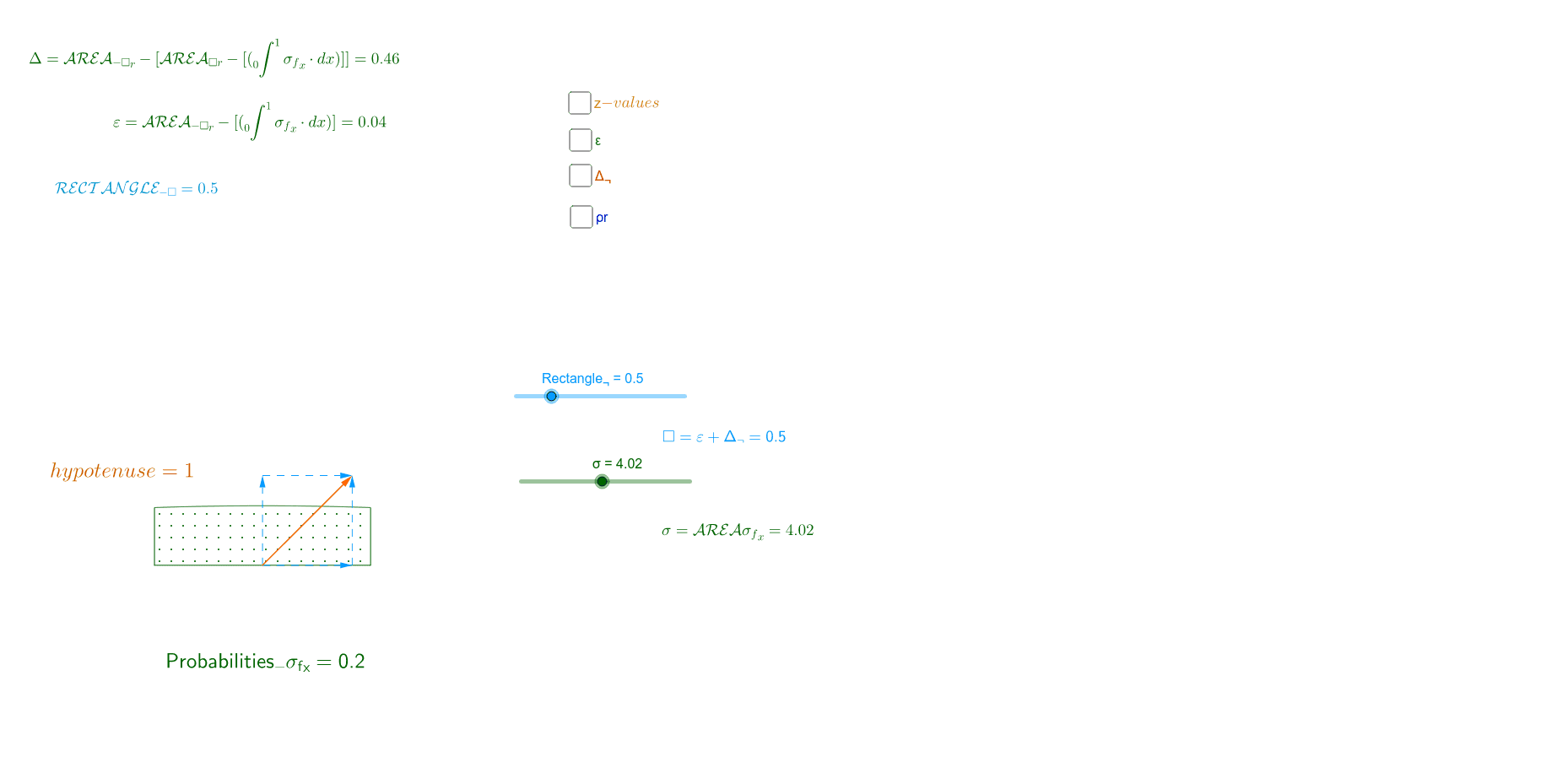
This example demonstrates the calculation of rectangular probabilities by exploring the sum of areas. Key mathematical concepts include geometric transformations and area calculation. It uses commands like Vector, Point, Polygon, Integral, etc., in GeoGebra. Suitable for high school math education and learning, particularly in probability and statistics and geometric transformations.
GeoGebra Commands & Parameters
Vector((0, c)) → wVector((b, 0)) → vVector((b, 0), (b, c)) → uVector((b, c)) → dVector((0, c), (b, c)) → mPoint(m) → APoint(v) → BPoint(w) → CPolygon(A, B, D, C) → poly1, a_1, b_1, d_1, c_1Integral(f, 0, 0.851) → pIntegral(f, -500, 500) → AreaIntegral(f, -0.851, 0.851) → Area_σIntegral(poly1 - f(x), 0, 1) → ε_rIntegral(poly1 - ε_r, 0, 1) → Δ_¬Name(Rectangle_¬) → A1Name(ρ_σ) → B1Name(ε_r) → D1Name(Δ_¬) → E1Integral(f(x) / σ, 0, 0.851) → probabilitiesIntegral(1 / σ, 0, 1) → z_σName(σ) → C1
AI Drawing Prompt Reference
Draw a rectangular area and observe the sum of different rectangle areas by adjusting the width and height. Define the sides of the rectangle using vectors, construct the rectangle with points and polygons, and calculate the area and probability.
The prompt above was compiled from the original drawing commands and is for reference only.