
Rectangle Rotation and Pythagorean Theorem Demonstration
Loading the math board and drawing, please wait…
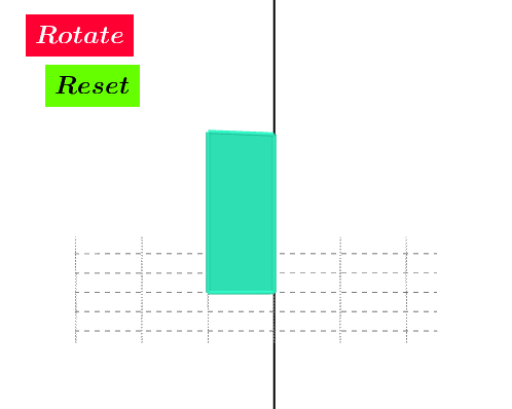
This GeoGebra example dynamically shows a rectangle rotating around a point, revealing relationships among vertex trajectories, auxiliary segments, and circles. It visually demonstrates rotation transformations, the Pythagorean theorem in right triangles, secant lines intersecting circles, and incorporates linear equations and a parabola in the construction. Key construction steps: use Point to define vertices, Circle for auxiliary circles, OrthogonalLine for perpendiculars, Intersect to find intersection points, Rotate to rotate the rectangle, and Polygon to form shapes. Objects include points B, C, D, E, F, G, H, I, J, A, K, L, M, lines d, g, h, e, f, polygon poly2, and text1/text2. Suitable for middle and high school students learning geometric transformations, verifying the Pythagorean theorem, and exploring dynamic geometry; also useful for teachers in classroom demonstrations or student-led investigations.
GeoGebra Commands & Parameters
Point(zAxis) → BPoint(zAxis) → CPoint(zAxis) → DCircle(H, I, J) → dPoint(d) → AOrthogonalLine(A, d) → gPoint(g) → KIntersect(g, d, 1) → LRotate(A, e, B) → A'OrthogonalLine(A', d) → hPoint(h) → MPolygon(D, M, A', B) → poly2, d_2, m, a', b_1OrthogonalLine(D, a', space) → f