
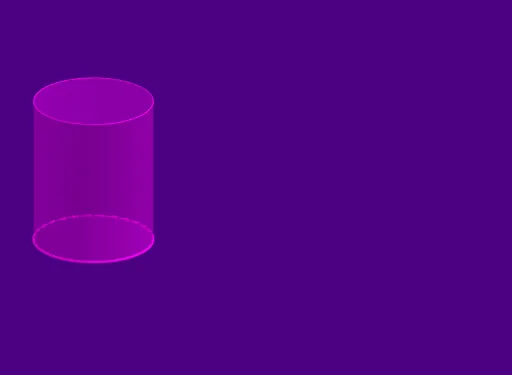
Cylinder Surface
Loading the math board and drawing, please wait…
This example demonstrates the 3D surface of a cylinder and its geometric properties. Core math concepts include cylinder, surface, circle, probability distributions, and conic sections. Construction highlights the use of GeoGebra commands like Circle, Intersect, Point, CircleArc, Vector, Sequence, and Cylinder. Suitable for high school and above students learning solid geometry, coordinate geometry, and probability & statistics.
GeoGebra Commands & Parameters
Circle((0, exp(Set)), ℯ^(Set)) → cIntersect(c, xAxis, 1) → APoint(c) → BCircleArc(B, A, A) → dCircleArc((0, exp(Set)), A, B) → eVector((0, 0, 0), (0, 0, 2.5)) → uSequence(Translate[e, Vector[(n * u / 50)]], n, 0, 50) → list1Cylinder((0, 1, 0), (0, 1, 2.5), 1) → a, f, g, b
AI Drawing Prompt Reference
Draw a 3D cylinder with a horizontal base circle centered at the origin, radius equal to Euler's number e, and height 2.5. Place a point B on the base circle, and construct two circular arcs: one from B to the intersection point with the positive x-axis, and the other from that intersection back to B, together forming the full circle. From the base center, draw a vertical vector of length 2.5, and translate one of the arcs along this vector in 50 equal steps to create a helical surface pattern. Finally, fill the cylinder's lateral surface and both circular bases with semi-transparent material to emphasize the 3D shape.
The prompt above was compiled from the original drawing commands and is for reference only.