
Rectangle Questions: Exploring Area and Perimeter with 24
Loading the math board and drawing, please wait…
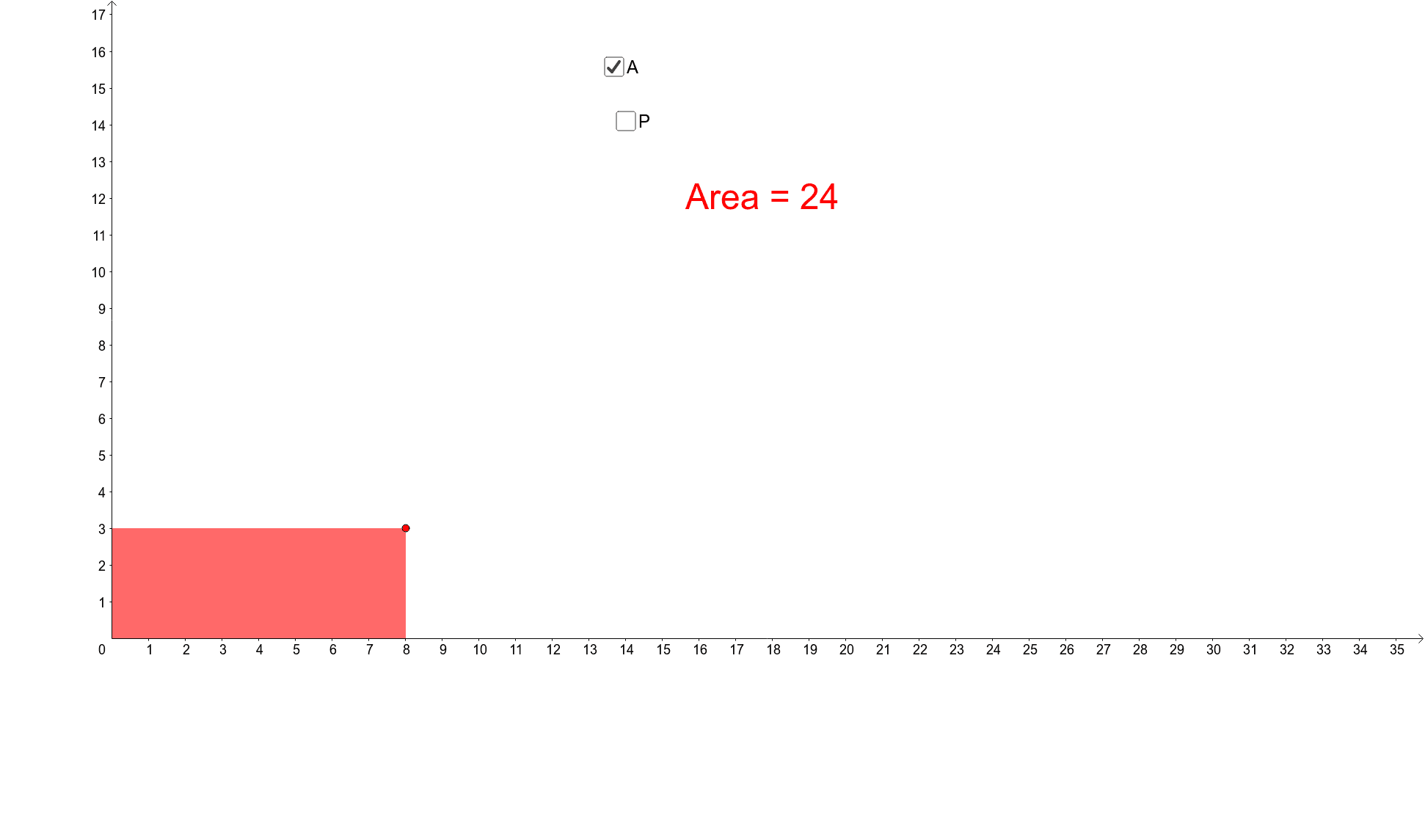
This GeoGebra example presents a rectangle with the number 24 displayed next to it, prompting students to infer possible questions, then guides them to explore rectangles with area 24 and perimeter 24. The core mathematical concepts involve the area formula (length × width) and perimeter formula (2 × (length + width)) for rectangles, highlighting the difference between these two measurements. The construction uses GeoGebra commands such as Segment, Point, Intersect, and Polygon, creating multiple rectangles (poly1, poly2) with associated objects (f, j, A, g, C, D, E, etc.), and text objects (text1, text2) for labeling. This resource is suitable for upper elementary to middle school students, fostering skills in extracting information from diagrams, posing mathematical questions, and solving practical geometry problems. It also serves as a flexible template for teachers designing open-ended classroom activities.
GeoGebra Commands & Parameters
Segment((0, 12), (12, 0)) → jPoint(f) → AIntersect(xAxis, yAxis) → CPolygon(C, D, A, E) → poly1, c, d, a, ePoint(j) → BPolygon(C, F, B, G) → poly2, c_1, f_1, b, g_1