
Plane Defined by Two Vectors
Loading the math board and drawing, please wait…
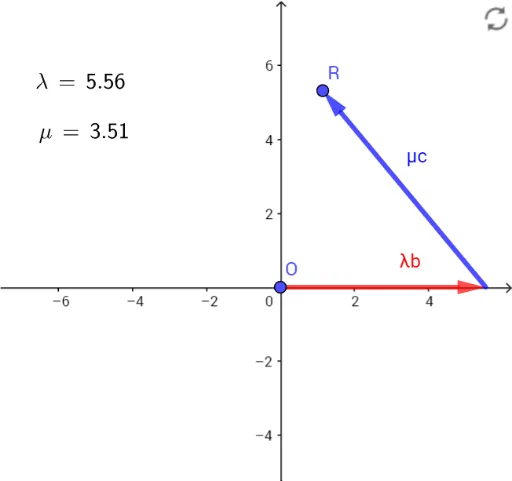
This example demonstrates how to define a plane using two vectors. Key mathematical concepts include vectors and coordinate geometry. Using commands like Vector, Intersect, and LaTeX, a plane can be constructed. Suitable for high school mathematics education and learning.
GeoGebra Commands & Parameters
Vector(B) → bVector(C) → cIntersect(g, f) → AVector(D, R) → wLaTeX(λ, true, true) → text1LaTeX(μ, true, true) → text2
AI Drawing Prompt Reference
Draw a plane defined by two vectors, marking the start and end points of each vector. First, plot the two vectors, then find their intersection point and draw a new vector starting from this point. Finally, label the two original vectors and the new vector with mathematical symbols to show their relationships.
The prompt above was compiled from the original drawing commands and is for reference only.