
Rectangle in 3-D Space
Loading the math board and drawing, please wait…
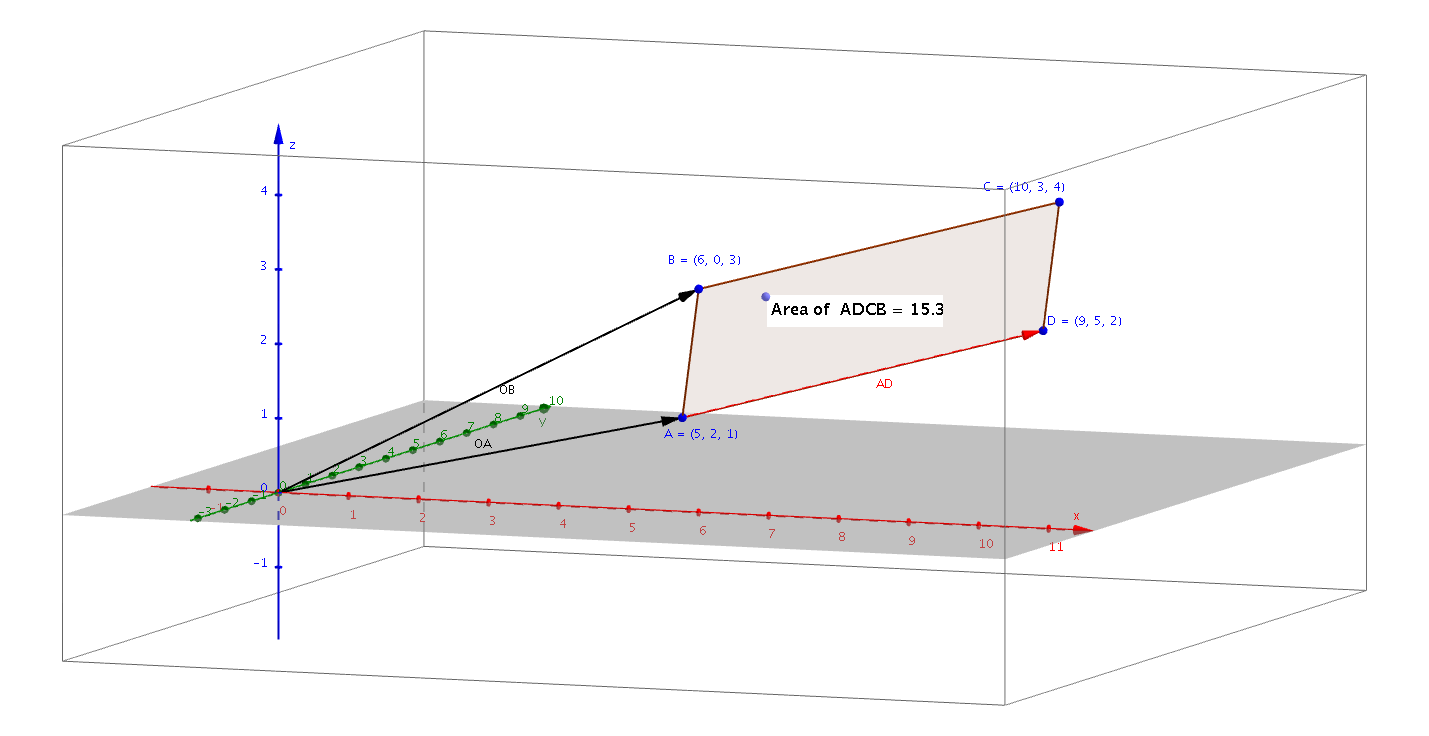
This example demonstrates how to construct a rectangle in 3-D space. It involves core mathematical concepts such as vectors and coordinate geometry. Using GeoGebra commands like Polygon, PointIn, and Vector, the vertices and sides of the rectangle are constructed. Suitable for high school mathematics education and learning 3D geometry.
GeoGebra Commands & Parameters
Polygon(A, D, C, B) → poly1, a, d, c, bPointIn(poly1) → Pointpoly1Vector((0, 0), A) → OAVector((0, 0), B) → OBVector(A, D) → AD
AI Drawing Prompt Reference
Draw a rectangle in 3D space, showing its vertices and edges, and represent its positional relationships with vectors. Start by plotting the four vertices of the rectangle, then connect these points to form the rectangle. Next, use vectors to show the directions from the origin to the vertices and the vectors between adjacent vertices. Finally, verify if a point lies on the rectangle.
The prompt above was compiled from the original drawing commands and is for reference only.