
Rectangle Construction with Two Given Lengths (with Feedback)
Loading the math board and drawing, please wait…
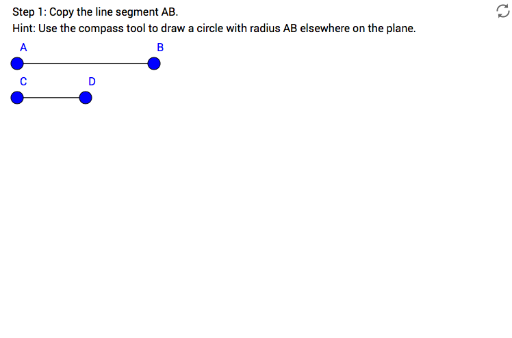
① This example demonstrates how to construct a rectangle from two given segment lengths using straightedge-and-compass steps, with interactive feedback at each stage. ② The core mathematical concepts are the properties of rectangles (equal opposite sides, four right angles) and fundamental geometric construction principles involving segments, circles, perpendicular lines, intersections, and polygons. ③ Construction highlights: using GeoGebra commands Segment, Circle, Point, OrthogonalLine, Intersect, and Polygon, the applet first creates segment AB and circle c to locate point C, then draws perpendicular lines zPerp1 and zPerp2, and finally determines points G and H to form rectangle zRectangle; feedback objects step1–step5 and wellDone guide learners through the sequence. ④ It is suitable for middle school geometry lessons or self-study, helping students understand the logical order of geometric constructions and the criteria for a rectangle, and can serve as an interactive worksheet.
GeoGebra Commands & Parameters
Segment(A, B) → fSegment(C, D) → gCircle(E, Segment[A, B]) → cPoint(c) → FSegment(E, F) → hOrthogonalLine(F, h) → zPerp1OrthogonalLine(E, h) → zPerp2Circle(E, Segment[C, D]) → zCircle1Intersect(zCircle1, zPerp2, 1) → GOrthogonalLine(G, zPerp2) → kIntersect(zPerp1, k) → HPolygon(E, F, H, G) → zRectangle, e, f_1, h_1, g_1Circle(F, Segment[C, D]) → zCircle2