
Rectangle Construction: Segments, Polygons, and Function Integration
Loading the math board and drawing, please wait…
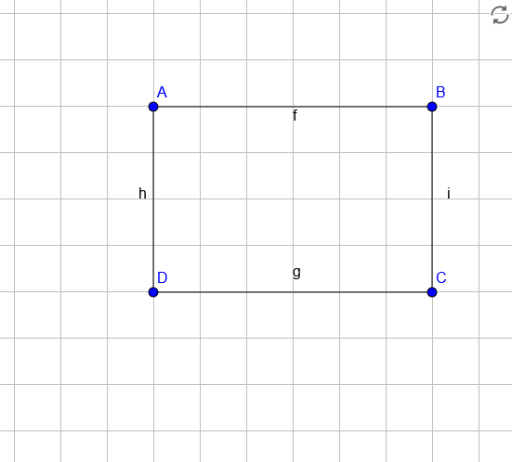
① This example demonstrates how to construct a rectangle using GeoGebra's Segment command, then integrates cubes, cones, polynomial functions, and division operations to show the interplay between geometry and algebra. ② Core math concepts include rectangle properties, segment and polygon construction, solid geometry (cube and cone), polynomial function graphs, and the geometric interpretation of division. ③ Construction highlights: using the Segment command to create sides AB, BC, CD, DA with points A, B, C, D; incorporating functions f, g, h, i (likely polynomial or auxiliary) and objects like cubes and cones to enrich the figure, illustrating connections between geometric objects and function graphs. ④ Suitable for middle and high school students, useful for understanding geometric construction combined with function graphing, and as a classroom demonstration of polygon, solid, and algebraic operations.
GeoGebra Commands & Parameters
Segment(A, B) → fSegment(C, D) → gSegment(A, D) → hSegment(C, B) → i
AI Drawing Prompt Reference
Draw a rectangle ABCD by connecting points A to B, B to C, C to D, and D to A. Then add a cube and a cone inside the rectangle, and graph several polynomial functions to illustrate the relationship between geometric shapes and function graphs.
The prompt above was compiled from the original drawing commands and is for reference only.