
Cylinder Volume Practice: Linking 3D Geometry Parameters to Models
Loading the math board and drawing, please wait…
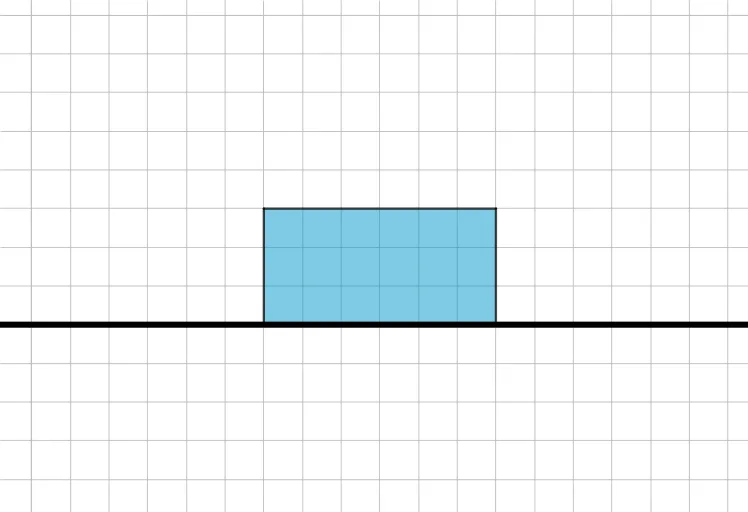
This GeoGebra example demonstrates a visual way to model cylinder-related volume problems so learners can connect key geometric parameters (such as radius and height) with the corresponding volume quantities. The central math ideas are solid geometry (cylinder), the volume relationship in terms of geometric dimensions, and how abstract formulas can be represented through measurable or constructible geometric elements. Construction-wise, the setup uses GeoGebra commands mainly “Line” and “Polygon” to create guiding segments and outline shapes that support the volume/parameter visualization. The construction involves objects such as A, B, f, C, D, q1, a, b, c, d, which represent points/auxiliary quantities needed to define the geometry consistently. Suitable for late middle school through high school solid-geometry practice, and also helpful for instruction on connecting formula parameters to dynamic geometric models.
GeoGebra Commands & Parameters
Line(A, B) → fPolygon(A, B, C, D) → q1, a, b, c, d
AI Drawing Prompt Reference
Draw a cylinder to illustrate the relationship between its volume and radius and height. Start by drawing two intersecting lines to represent the cylinder's central axis and the diameter of its circular bases. Then, with their intersection as the center, draw two circular bases. Next, extend along the central axis to determine the cylinder's height and complete the top base. Finally, connect the two circular bases and the side surface to form a complete cylinder, allowing for observation and understanding of its volume formula.
The prompt above was compiled from the original drawing commands and is for reference only.