
Rectangle Approximation of Area
Loading the math board and drawing, please wait…
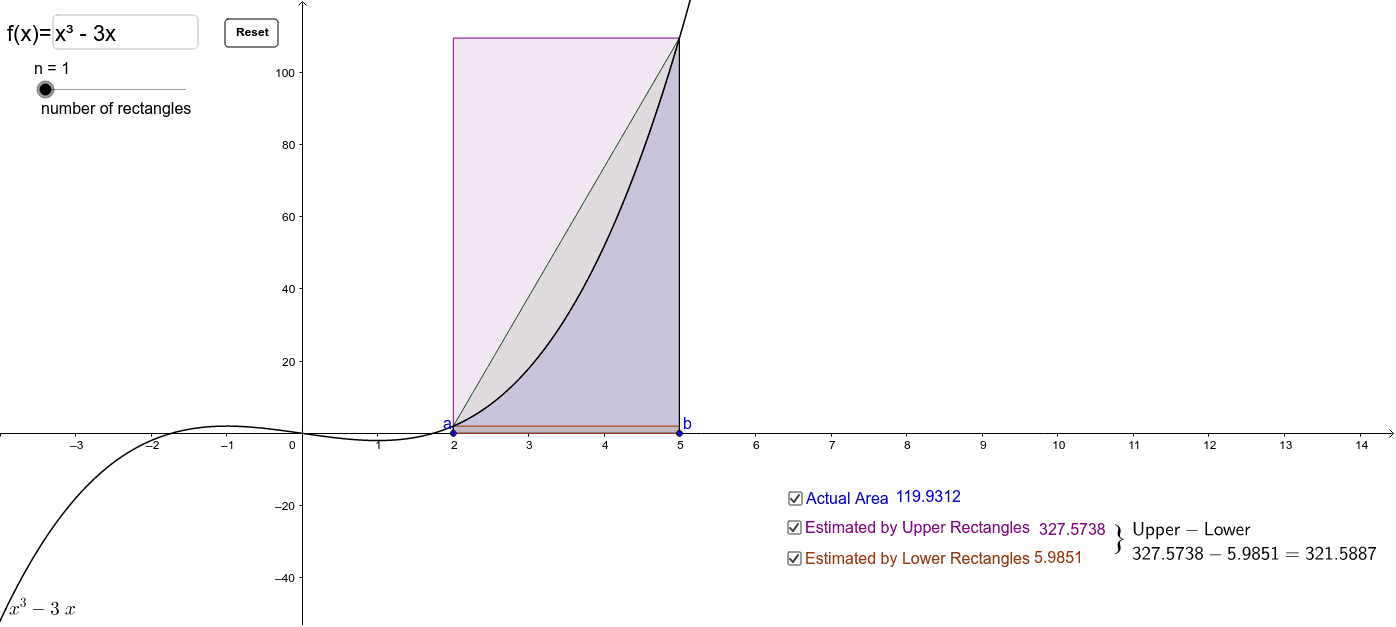
This example demonstrates how to approximate the area of an irregular shape using rectangles. Key mathematical concepts include area calculation, similarity transformation, and integration. Using GeoGebra commands such as Point, RectangleSum, and TrapezoidalSum, users can dynamically adjust the number and position of rectangles to observe the approximation effect. Suitable for high school mathematics education and learning.
GeoGebra Commands & Parameters
Point(l) → APoint(l) → BRectangleSum(f, x(A), x(B), n, 1) → d_1Textfield(f) → inputBox1TrapezoidalSum(f, x(A), x(B), n) → eIntegral(f, x(A), x(B)) → gUpperSum(f, x(A), x(B), n) → aLowerSum(f, x(A), x(B), n) → bSegment(A, C) → hSegment(B, D) → i
AI Drawing Prompt Reference
Draw an irregular shape and approximate its area using rectangles. Start by creating two points A and B on a line, then use these points as the base of the rectangles to observe the approximation effect by adjusting the number of rectangles. Input the function expression, calculate the trapezoidal and integral sums, and finally add examples of upper, lower, and trapezoidal sums and rectangles.
The prompt above was compiled from the original drawing commands and is for reference only.