
Antiderivative Functions
Loading the math board and drawing, please wait…
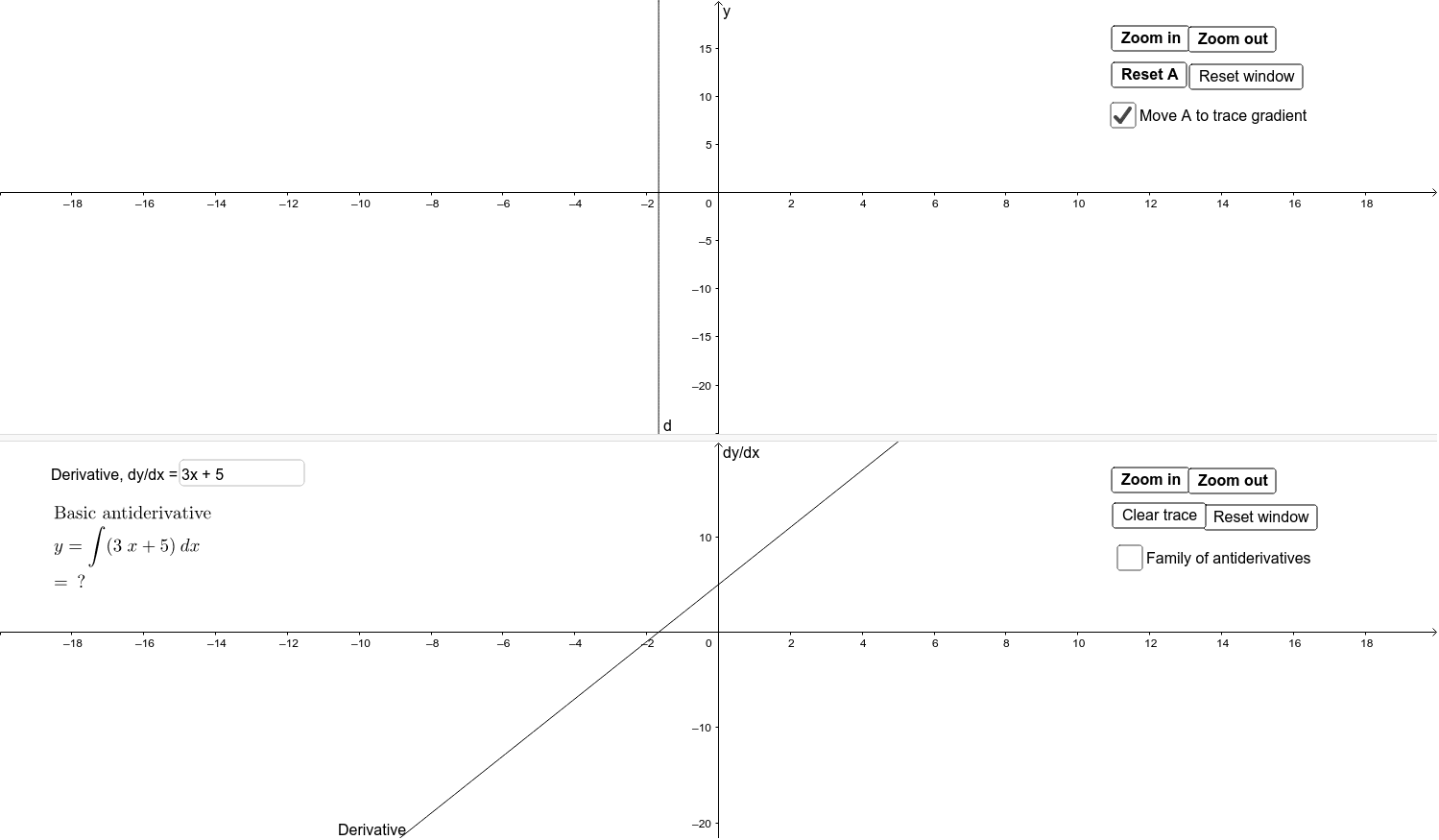
This example graphically illustrates the relationship between derivative and antiderivative functions. Users can input a derivative function and observe the corresponding antiderivative function. Key mathematical concepts include derivatives and antiderivatives. GeoGebra commands used include Integral, ImplicitCurve, Textfield, Simplify, Point, Tangent, Slope, Intersect, and Expand. Suitable for high school mathematics education and learning calculus concepts.
GeoGebra Commands & Parameters
Integral(i1, x) → i2ImplicitCurve(i1(x, y)) → dTextfield(i1) → inputBox1Simplify(i2) → fPoint(i) → ATangent(A, i) → gSlope(g) → hIntersect(t, j, (1, 3.5)) → DTextfield(c) → inputBox2Tangent(C, s) → lTangent(D, t) → mExpand(f(x, y)) → p
AI Drawing Prompt Reference
Draw a graph illustrating the relationship between a derivative function and its antiderivative. Include an editable input box for entering the derivative expression. Based on this, automatically generate the corresponding antiderivative curve and display its simplified form. Place a movable point on the curve, draw a tangent line at this point, and show the slope value. Additionally, include another curve and a line that intersect at a specific point, with tangent lines drawn at this intersection for both curves. The overall graph visually compares derivatives, antiderivatives, tangent slopes, and rates of change.
The prompt above was compiled from the original drawing commands and is for reference only.