
Ratio Pattern: Iterative Halving of a Rectangle
Loading the math board and drawing, please wait…
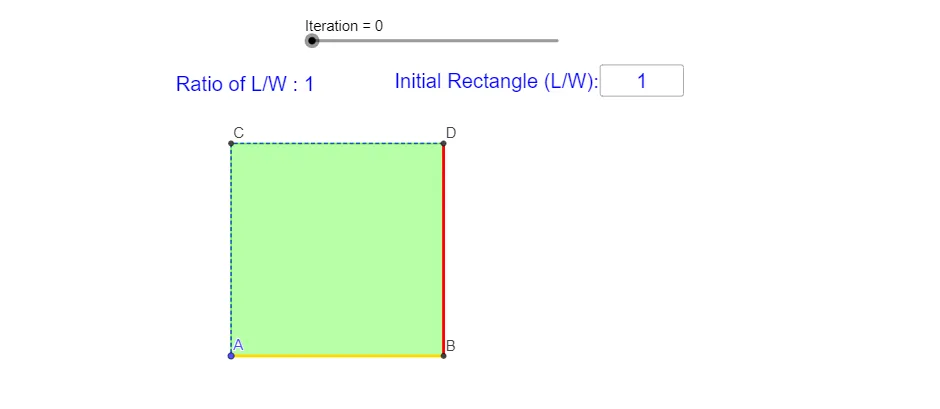
This example demonstrates a ratio-driven “halving” pattern: by repeatedly applying a fixed proportion (e.g., cutting lengths in half) and updating geometry step-by-step, it builds a sequence of connected shapes related to a rectangle’s subdivision. The key mathematics includes ratios and rational numbers, proportion-preserving length relationships, and the similarity-triangle mindset for maintaining consistent geometric structure across iterations. Construction is achieved in GeoGebra by using IterationList to generate iterative steps, Sequence to produce indexed elements, Intersect to compute intersection points created by the subdivision rules, and Polygon/Segment/Append to assemble the evolving polygonal and segment-based outline. Conditional logic via If controls which objects are created at each step, while Vertex manages generated points and Textfield provides ratio/length annotations (such as computed ratio values). The result is a clear visualization of how an algebraic ratio rule can generate a structured geometric figure, suitable for middle to high school students learning similarity and proportional reasoning, and for exploratory learning on sequences and iterative constructions.
GeoGebra Commands & Parameters
IterationList(x / 2, W, N) → l1IterationList(x / 2, L, N) → l2Intersect(xAxis, yAxis) → ASequence(A + (0, l1(i)), i, 1, N + 1) → l5Sequence(A + (l2(i), l1(i - 1)), i, 2, N + 1) → l4Sequence(A + (l2(i), 0), i, 1, N + 1) → l3Sequence(Segment[l3(i + 1), l4(i)], i, 1, N) → l6Sequence(Midpoint[l6(i)], i, 1, N) → l8Sequence(Polygon[l8(i), l3(i + 1), A, l5(i + 1)], i, 1, N) → l12Sequence(Polygon[A, l5(i + 1), l4(i + 1), l3(i + 2)], i, 1, N - 1) → l10Polygon(A, C, l4(1), l3(2)) → poly1, f, g, h, iAppend(poly1, l10) → l11Append(Polygon[A, B, D, C], l12) → l13Polygon(A, B, D, C) → q1, a, b, d, cSequence(A + (0, l1(i)), i, 1, N + 1) → l7If(Mod[Sl, 2] ≟ 1, l11(ceil(Sl / 2)), l13(Sl / 2 + 1)) → q2Sequence(Segment[l5(i + 1), l8(i)], i, 1, N) → l9If(Mod[Sl, 2] ≟ 1, l6(ceil(Sl / 2)), l9(Sl / 2)) → jSequence(Segment[l3(i + 1), l4(i)], i, 1, ceil(Sl / 2)) → l14Sequence(Segment[l5(i + 1), l8(i)], i, 1, Sl / 2) → l15Vertex(q2) → E, E_2, E_3, E_4Segment(E_3, E_2) → lSegment(E, E_2) → wTextfield(r) → InputBox2If(l > w, l / w, w / l) → e
AI Drawing Prompt Reference
Draw a geometric figure formed by iteratively halving a rectangle. The figure consists of a series of connected shapes created by repeatedly applying a fixed proportion, such as halving lengths. Key objects include a central point A and a series of points generated from A, connected through proportional relationships. The construction order starts from the central point and gradually adds shapes, resulting in a complex polygonal structure. The figure should clearly illustrate ratios and similarity, suitable for learning geometry and proportional reasoning.
The prompt above was compiled from the original drawing commands and is for reference only.