
Perfect Squares and Square Roots Using Geometric Models
Loading the math board and drawing, please wait…
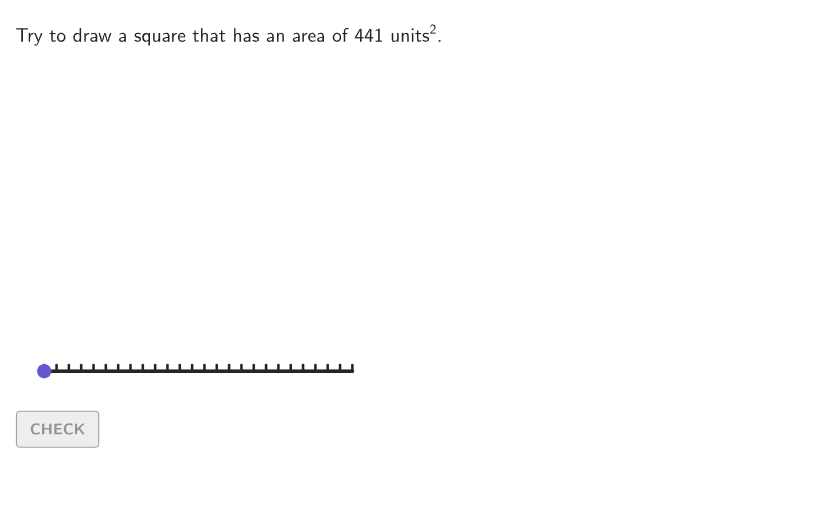
This GeoGebra example uses area-based square models to demonstrate the relationship between perfect squares and their square roots. Students build a square from a given area and observe how the side length corresponds to the positive square root. Core concepts include squaring, square roots, and perfect squares up to 625. The construction employs commands such as Shuffle, Sequence, Point, Polygon, Segment, If, Element, and Zip to generate random tasks, validate inputs, and provide interactive feedback. It is designed for grades 6-8, supporting exploration of the meaning of square roots through geometric representations and equations. Suitable for classroom demonstration, guided practice, or independent student exploration.
GeoGebra Commands & Parameters
Shuffle(Sequence[2, 25]) → possibleBases, {21, 14, 19, 24, 7, 23, 13, 2, 25, 18, 10, 9, 12, 5, 4, 15, 3, 22, 20, 17, 16, 6, 11, 8}Shuffle(Sequence[15]) → randomList2, {14, 8, 1, 9, 2, 10, 5, 11, 13, 15, 4, 3, 12, 6, 7}Shuffle(Sequence[20]) → randomList1, {4, 9, 7, 1, 12, 14, 6, 18, 13, 11, 20, 15, 19, 2, 5, 17, 16, 8, 10, 3}Sequence(Anchor1 + (A, 0), A, 0, 25) → allPointsPoint(allPoints) → PMoveElement(possibleBases, Mod[countQuestion, Length[possibleBases]] + 1) → expectedBaseElement(randomList2, Mod[countQuestion, 15] + 1) → randomNum2Element(randomList1, Mod[countQuestion, 20] + 1) → randomNum1Polygon(Zip[PixelsToPoint[Corner[1], Corner[3], Corner[5], A], A, {(pixelsLeft, pixelsTop), (pixelsLeft, y(Corner[5]) - pixelsBottom), Corner[5] - (pixelsRight, pixelsBottom), (x(Corner[5]) - pixelsRight, pixelsTop)}]) → borderBoxCorner(5) → layoutAppSizeSegment((0, 0), (25, 0)) → numberLinePolygon({Anchor1, PMove, (x(PMove), x(PMove)), (x(Anchor1), x(PMove))}) → studentSquare_{1}Flatten(Sequence[Sequence[(i, j), i, 0, studentBase - 1], j, 0, studentBase - 1]) → allBoxPointsTake(allBoxPoints, 1, animate) → showBoxPointsZip(boxTool[1, 1, A], A, showBoxPoints) → showBoxesboxTool(studentBase, studentBase, Anchor1) → viewboxboxTool(studentBase, studentBase, Anchor1) → coverGridSequence(Segment[Anchor1 + (A, 0), Anchor1 + (A, 0.5)], A, 0, 25) → ticksText(("" * studentBase), Anchor1 + (studentBase / 2, 0), false, true, 0, -1) → lblBottomIf(expectedBase > 10, 1, Element[{2, 3, 4, 5, 6, 7, 8, 9, 10}, 10 - expectedBase]) → speedText(("" * studentBase), Anchor1 + (0, studentBase / 2), false, true, -1, 0) → lblSide
AI Drawing Prompt Reference
Draw a square with a side length of 25 units, showing the internal 1x1 small squares, and mark the ticks from 0 to 25 on the x-axis. Randomly select an integer between 1 and 25 as the side length of the square, and then draw the corresponding number of small squares inside the square.
The prompt above was compiled from the original drawing commands and is for reference only.