
Ratio of a Circle: Dynamic Visualization of Area and Circumference
Loading the math board and drawing, please wait…
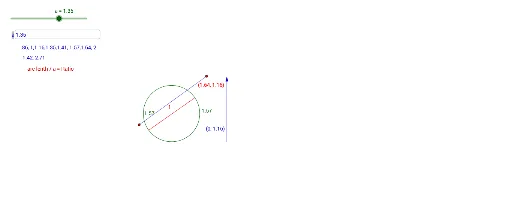
This GeoGebra example dynamically demonstrates the ratio of a circle (i.e., π) and its relationship to the area and circumference, visually showing how sector divisions, angle changes, and numerical proportions interrelate. Core mathematical concepts include circle geometry, π, sector area, angle and arc length, limits, and natural number accumulation. Construction uses commands such as Point, Semicircle, Segment, Angle, Textfield, and Vector, creating objects like f, a, g, A, B, c, d, C, D, h, F, G, H, α, E, I, i, InputBox1, text1, b, v, text2, J, j, K, k, text3. Suitable for middle school geometry learning about circle properties and π approximation, as well as introductory calculus for deriving the area formula of a circle.
GeoGebra Commands & Parameters
Point(g) → ASemicircle(A, B) → cSemicircle(B, A) → dPoint(f) → CPoint(f) → DSegment(C, D) → hPoint(g) → HAngle(G, F, H) → αPoint(d) → EPoint(c) → ISegment(I, E) → iTextfield(a) → InputBox1Vector((2, 0), (2, b)) → vSegment(J, C) → jSegment(K, C) → k
AI Drawing Prompt Reference
Draw a circle and place two points C and D on it, then connect C and D to form chord h. Place two more points E and I on the circle to form diameter i. Adjust angle α using a slider to observe the relationship between the circle's area, circumference, and angle. Draw a sector inside the circle and use an input box to enter the radius and angle values, displaying the sector's area and arc length.
The prompt above was compiled from the original drawing commands and is for reference only.