
Random Variables and Pyramid
Loading the math board and drawing, please wait…
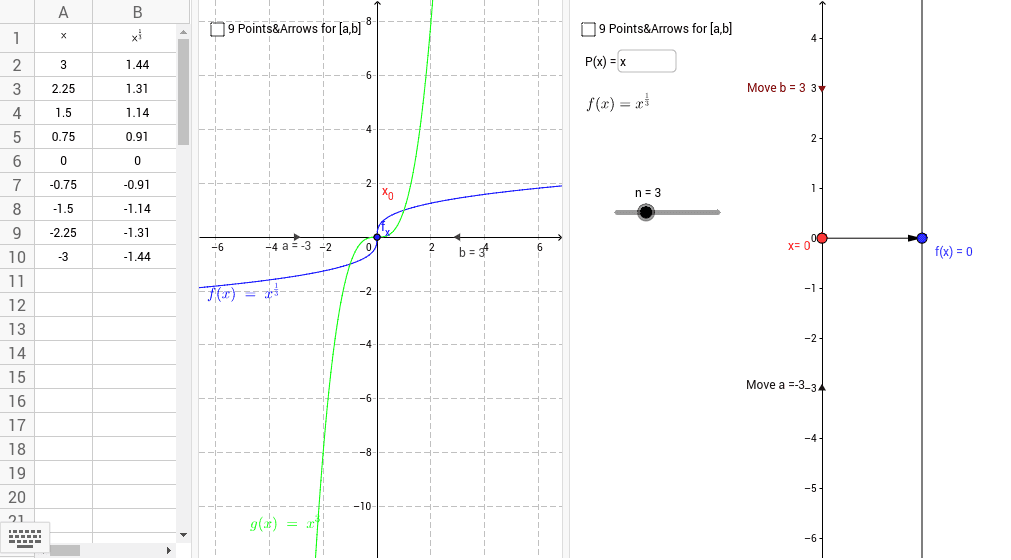
This example demonstrates the application of random variables in the geometry of a pyramid. Key mathematical concepts include probability and statistics, as well as solid geometry. Using GeoGebra commands such as Point, Vector, and Textfield, users can dynamically adjust the shape of the pyramid and the value of the random variable, observing its impact on the geometric figure. Suitable for high school mathematics education and learning.
GeoGebra Commands & Parameters
Point(yAxis) → A_1Vector(A_1, B) → uTextfield(P) → inputBox1Point(yAxis) → APoint(yAxis) → CSequence(Vector[(0, j), (2, f(j))], j, y(A), y(C), (y(C) - y(A)) / 8) → list1Sequence((j, f(j)), j, y(A), y(C), (y(C) - y(A)) / 8) → list2
AI Drawing Prompt Reference
Draw a three-dimensional pyramid with its base on a horizontal plane and its apex on the vertical axis. Place two points on the vertical axis, one as the base center and the other as the apex, and connect the apex to a point on the base edge to form an edge. At the base center, put an input box for adjusting a random variable. From the base center toward the apex, generate a series of equally spaced vectors, each pointing from the base center to a point on the base edge at that height, and mark the corresponding points at those heights, creating a dynamic curve along the pyramid's side. The overall figure shows how the random variable affects the pyramid's shape.
The prompt above was compiled from the original drawing commands and is for reference only.