
Random Multiplication Table Quiz
Loading the math board and drawing, please wait…
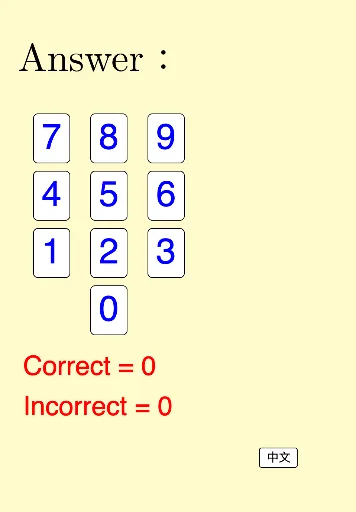
① This example demonstrates a GeoGebra‑based random quiz on the multiplication table that automatically generates problems and checks answers. ② Core math concepts include integer multiplication, basic arithmetic, random number generation, and logical evaluation. ③ Construction highlights: the commands Random, Sequence, RandomElement, Flatten, and Zip build the question bank; picture objects pic1‑pic20 display items; interactive controls buttonNext, buttonConfirm, buttonClear, inputAns, and textAns drive the quiz flow; variables n, m, ans, correct, and numCorrect track operands and scores. ④ Suitable for upper‑primary to lower‑secondary students practicing multiplication, and useful for classroom interaction or self‑study.
GeoGebra Commands & Parameters
Random(1, 9) → nRandom(1, 9) → mSequence(Sequence[(i, j), i, 1, m], j, 1, n) → list1Random(1, 2) → qRandomElement({pic1, pic2, pic3, pic4, pic5, pic6, pic7, pic8, pic9, pic10, pic11, pic12, pic13, pic14, pic15, pic16, pic17, pic18, pic19, pic20}) → picFlatten(list1) → list2Zip(Translate[pic, Vector[(0, 0), k]], k, list2) → list3
AI Drawing Prompt Reference
Create a randomized multiplication-table quiz layout. First randomly choose two integers between 1 and 9 to serve as the factors. Use them to generate a structured set of multiplication items arranged in a grid-like order (expanded by rows and columns into a question bank sequence). Randomly pick a small choice between 1 and 2 to determine the orientation/type. Prepare 20 image placeholders for quiz items and align/translate these images to the expanded question sequence so the displayed set follows the generated order, forming a row or group of quiz cards for “random multiplication quiz” interaction.
The prompt above was compiled from the original drawing commands and is for reference only.