
Quiz on Linear Equations in Standard Form: V2-A
Loading the math board and drawing, please wait…
In collections
Year 10 Mathematics
Graphing Linear Equations: Formative Assessment Items
Graphing Linear Equations: Formative Assessment Items
Graphing Linear Equations: Formative Assessment Items
This example demonstrates how to analyze linear equations in standard form using GeoGebra. Key mathematical concepts include linear equations and integer intercepts. Commands used include Random, LCM, Line, Textfield, Point, Circle, Intersect, and FractionText. Suitable for middle school and above students.
GeoGebra Commands & Parameters
Random(-6, 6) → aRandom(-6, 6) → bLCM(a, b) → cRandom(1, 4) → kLine(A, B) → gTextfield(h) → InputBox1Textfield(j) → InputBox2Textfield(m) → InputBox3Point(f) → CCircle(C, 2) → pIntersect(p, f, 2) → DFractionText(h) → text6
AI Drawing Prompt Reference
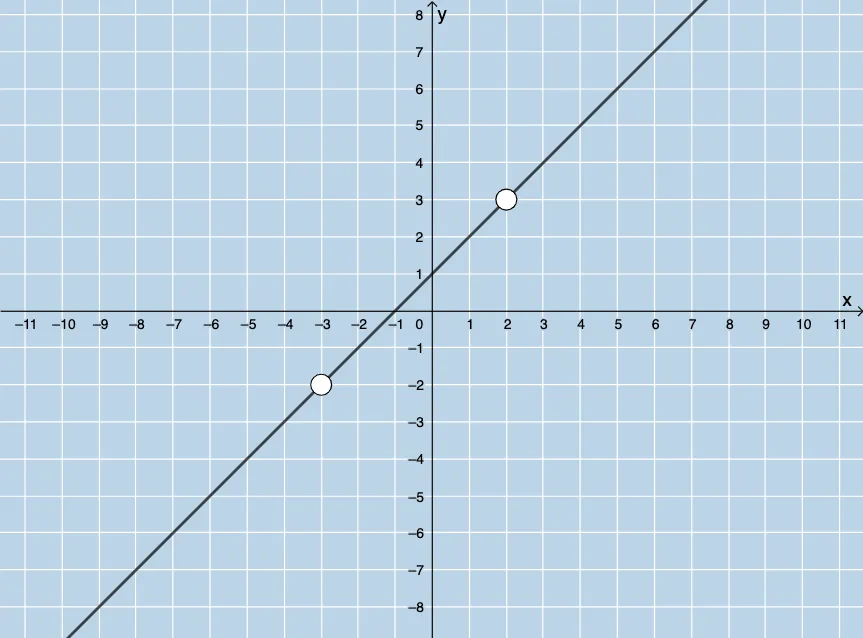
Draw a line with slope and y-intercept determined by random integers a and b, where the equation of the line is ax+by=c. Create three input boxes for the coefficients a, b, and c of the line equation. Pick a point C on the line and draw a circle with radius 2 centered at C. Find the intersection point D between the circle and the line.
The prompt above was compiled from the original drawing commands and is for reference only.