
Quadrilateral Centroid and Circumcircle Demo
Loading the math board and drawing, please wait…
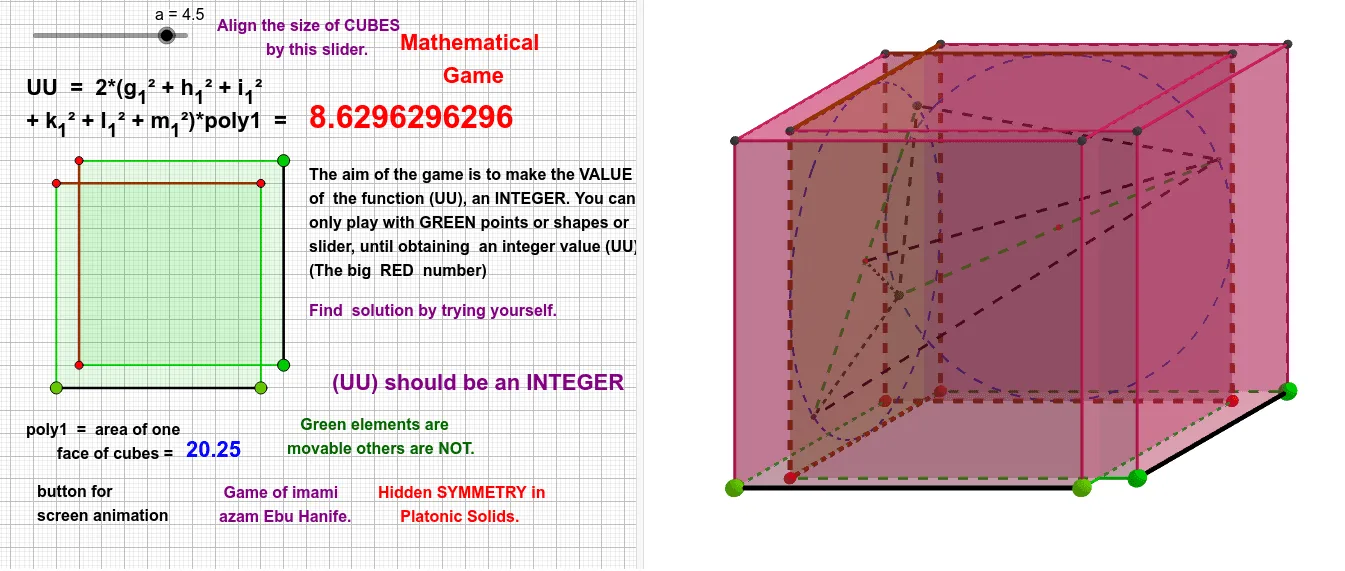
This example demonstrates how to draw the centroid and circumcircle of a general quadrilateral. Key math concepts include quadrilaterals, centroid, circumcircle, and geometric construction. It uses commands like Point, Polygon, Circle, Centroid, Line, Intersect in GeoGebra. Suitable for high school students learning geometric constructions and quadrilateral properties.
GeoGebra Commands & Parameters
Point(Circle[M, a]) → NPolygon(M, N, 4) → poly3, r, s, t, c, O, PCube(poly3, true) → d, K, edgeKM, edgePR, edgeKR, edgeKL, edgeLN, edgeLQ, edgeOQ, edgeQR, L, Q, R, faceKMPR, faceKLNM, faceLNOQ, faceOPRQ, faceKLQRMidpoint(R, P) → WMidpoint(Q, R) → VMidpoint(Q, O) → UCircle(U, V, W) → ePoint(e) → C_1Polygon(Q, R, P, O) → q2, q_1, r_1, p, oCentroid(q2) → TLine(C_1, T) → lIntersect(l, e, 1) → E_1PointIn(Sphere[A, a]) → BPolygon(A, B, 4, xOyPlane) → poly1, g, h, i, j, C, DCube(poly1, true) → b, G, edgeAG, edgeDJ, edgeGJ, edgeGH, edgeBH, edgeHI, edgeCI, edgeIJ, H, I, J, faceADJG, faceABHG, faceBCIH, faceCDJI, faceGHIJMidpoint(J, D) → B_1Midpoint(I, J) → A_1Midpoint(I, C) → ZCircle(Z, A_1, B_1) → kPoint(k) → D_1Segment(E_1, D_1) → k_1Segment(C_1, D_1) → g_1Polygon(I, J, D, C) → q1, ı, j_1, d_1, c_1Centroid(q1) → SSegment(E_1, S) → l_1Segment(C_1, S) → h_1Line(D_1, S) → mIntersect(m, k, 1) → F_1Segment(E_1, F_1) → m_1Segment(C_1, F_1) → i_1Segment(A, B) → fPoint(Circle[E, a, xOyPlane]) → FSegment(M, N) → qSegment(C_1, E_1) → nSegment(D_1, F_1) → f_1