
Quadrilateral 7: Constructing a Kite
Loading the math board and drawing, please wait…
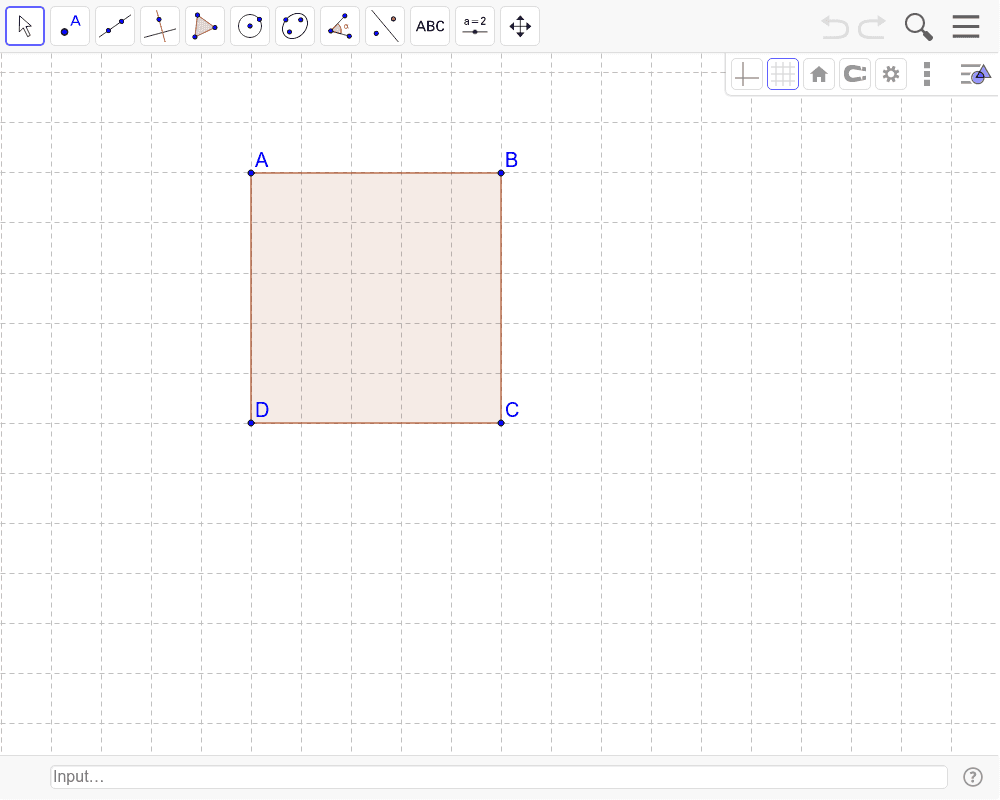
This GeoGebra example demonstrates how to construct a kite quadrilateral and explore its symmetry and related geometric properties. The core mathematical concepts include quadrilateral classification, axial symmetry, similar triangles, and intersection properties. Construction steps: use the Segment command to draw edges, apply the Mirror command to generate symmetric parts, and then use the Polygon command to close the shape; key objects include points A, C, D, B, segments a, b, c, d and their mirror image a_1, and polygon poly1. This is suitable for middle or high school students learning quadrilateral properties, symmetry transformations, and geometric construction, as well as for teacher-led classroom demonstrations.
GeoGebra Commands & Parameters
Segment(A, C) → aMirror(D, a) → BPolygon(A, B, C, D) → poly1, a_1, b, c, d
AI Drawing Prompt Reference
Draw a kite-shaped quadrilateral. Start by drawing a diagonal as the axis of symmetry. Place two points on one side of this axis and connect them with a segment to form one edge. Then reflect one of these points across the axis to obtain its symmetric counterpart on the other side. Finally, connect all four vertices in order to close the shape. The resulting quadrilateral should be symmetric about the diagonal, with congruent triangles on either side. Include four sides and one diagonal, giving the appearance of a kite.
The prompt above was compiled from the original drawing commands and is for reference only.