
Quadratic Roots Step By Step
Loading the math board and drawing, please wait…
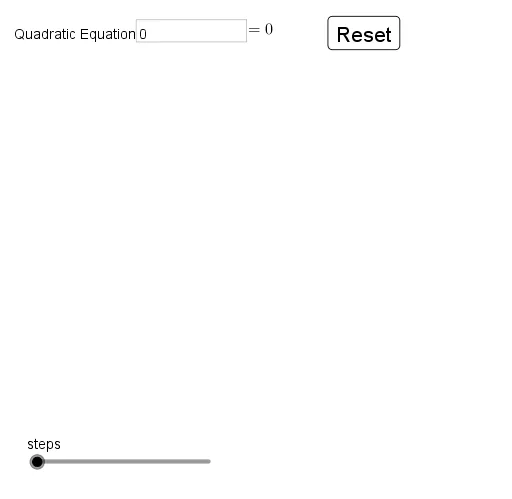
① This interactive GeoGebra example demonstrates the step-by-step solution of a quadratic equation ax²+bx+c=0, showing the discriminant, vertex, and intersections with the x-axis. ② Core mathematical concepts include quadratic functions, the discriminant, the quadratic formula, extrema (vertex), and roots as x-intercepts. ③ Construction highlights: it uses Textfield and InputBox for coefficient entry, Coefficients, Element, Degree to extract equation data, Defined to validate inputs, Extremum to find the vertex, Intersect to compute roots, and If for conditional step display; key objects include f, a, b, c, d, text series, list series, and buttons, enabling a guided, visual solution process. ④ Suitable for middle and high school mathematics, ideal for teaching the quadratic formula and its graphical interpretation, and for student self-paced exploration.
GeoGebra Commands & Parameters
Textfield(f) → InputBox1Coefficients(f) → list1Element(list1, 1) → aElement(list1, 2) → bElement(list1, 3) → cDegree(f) → jDefined(Element[list2, 1]) → iDefined(Element[list2, 2]) → kExtremum(f) → AIntersect(f, xAxis) → B, CIf(b > 0, "+", "-") → signbIf(c > 0, "+", "-") → signcIf(b / a > 0, "+", "-") → signabIf(c / a > 0, "+", "-") → signacElement(list3, 2) → pElement(list3, 3) → qElement(list3, 1) → r