
Quadratic Equation Solver
Loading the math board and drawing, please wait…
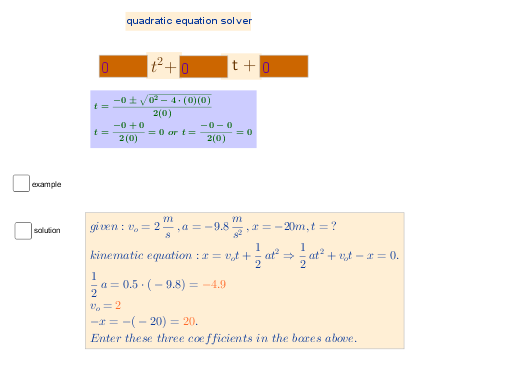
This example demonstrates how to solve quadratic equations using GeoGebra, visualizing the roots. Core math concepts include quadratic equations, the quadratic formula, and the discriminant. Construction highlights involve using Textfield commands to create input/output boxes with objects like A, b, c, Inputa, Inputb, Inputc, text1, text3, tplus, d, text5, e, text6, B, r, plus, minus, text2. Suitable for high school mathematics teaching and learning the method of solving quadratic equations.
GeoGebra Commands & Parameters
Textfield(A) → InputaTextfield(b) → InputbTextfield(c) → Inputc
AI Drawing Prompt Reference
Create a math teaching demonstration showing how to solve quadratic equations using the quadratic formula, requiring input for coefficients a, b, c, and displaying input boxes and calculation results including roots and the discriminant, with text boxes for formulas and steps, ultimately presenting the quadratic function graph and the positions of the roots.
The prompt above was compiled from the original drawing commands and is for reference only.