
Properties of Conic Sections
Loading the math board and drawing, please wait…
In collections
Chapter 12: The Place of Parallels
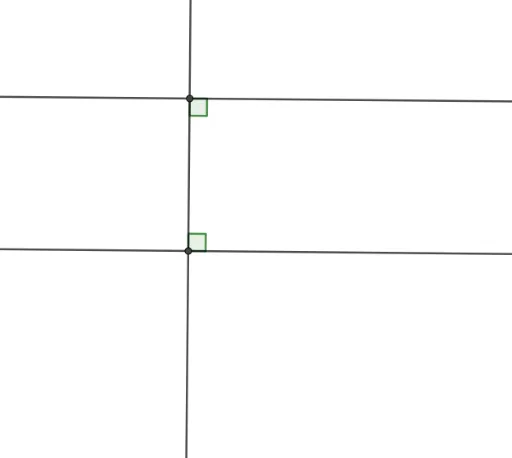
This example illustrates the properties of conic sections, particularly Corollary 12.1.5. It involves concepts of conic sections, translation, and integers. Using GeoGebra commands such as Line, OrthogonalLine, Point, Intersect, Angle, etc., the geometric figures of conic sections can be constructed. Suitable for high school mathematics education and learning.
GeoGebra Commands & Parameters
Line(A, B) → fLine(C, f) → gOrthogonalLine(C, f) → hPoint(f) → DIntersect(f, h) → EPoint(f) → FPoint(g) → GIntersect(g, h) → HPoint(g) → IAngle(H, E, D) → αAngle(I, H, E) → β
AI Drawing Prompt Reference
Draw a base line. Place a point above it, then draw a line through that point parallel to the base lineaine, and another line through the same point perpendicular to the base line. On the base line, mark three points: one where the perpendicular line meets it, and two others on either side. On the parallel line, mark two points: one where the perpendicular line meets it, and another on one side. Connect the intersection on the base line, the intersection on the perpendicular line, and the base-line point to form one angle. Then connect the parallel-line point, the perpendicular-line intersection, and the base-line intersection to form another angle. Label both angles.
The prompt above was compiled from the original drawing commands and is for reference only.