
Projective Geometry
Loading the math board and drawing, please wait…
In collections
Conic Sections' study using Geogebra applet
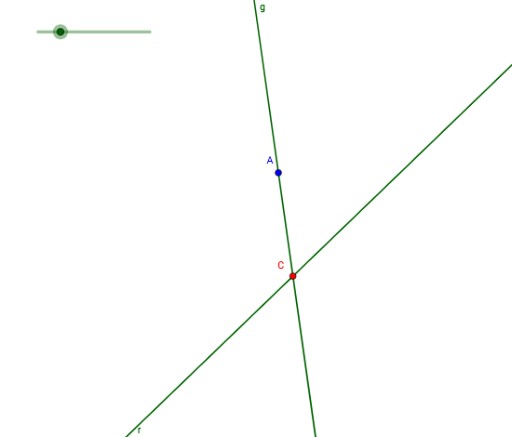
This example demonstrates basic concepts in projective geometry, including lines, circles, and transformations. Using GeoGebra commands such as Line, Circle, and OrthogonalLine, key objects in projective geometry are constructed. Suitable for high school mathematics education and learning.
GeoGebra Commands & Parameters
Line(A_1, B) → rCircle(A, D) → cOrthogonalLine(A, r) → fPoint(f) → FRotate(F, (-α), A) → F'Angle(F', A, F) → βLine(F', A) → gIntersect(r, g) → C
AI Drawing Prompt Reference
Draw a line through two points and a circle centered at one point passing through another. Then, draw a line perpendicular to the first line from the first point, take a point on this line, rotate it around the first point by a certain angle to get a new point. Connect the new point to the first point, and find the intersection of the line and the new line.
The prompt above was compiled from the original drawing commands and is for reference only.