
Probability Simulation (Part II)
Loading the math board and drawing, please wait…
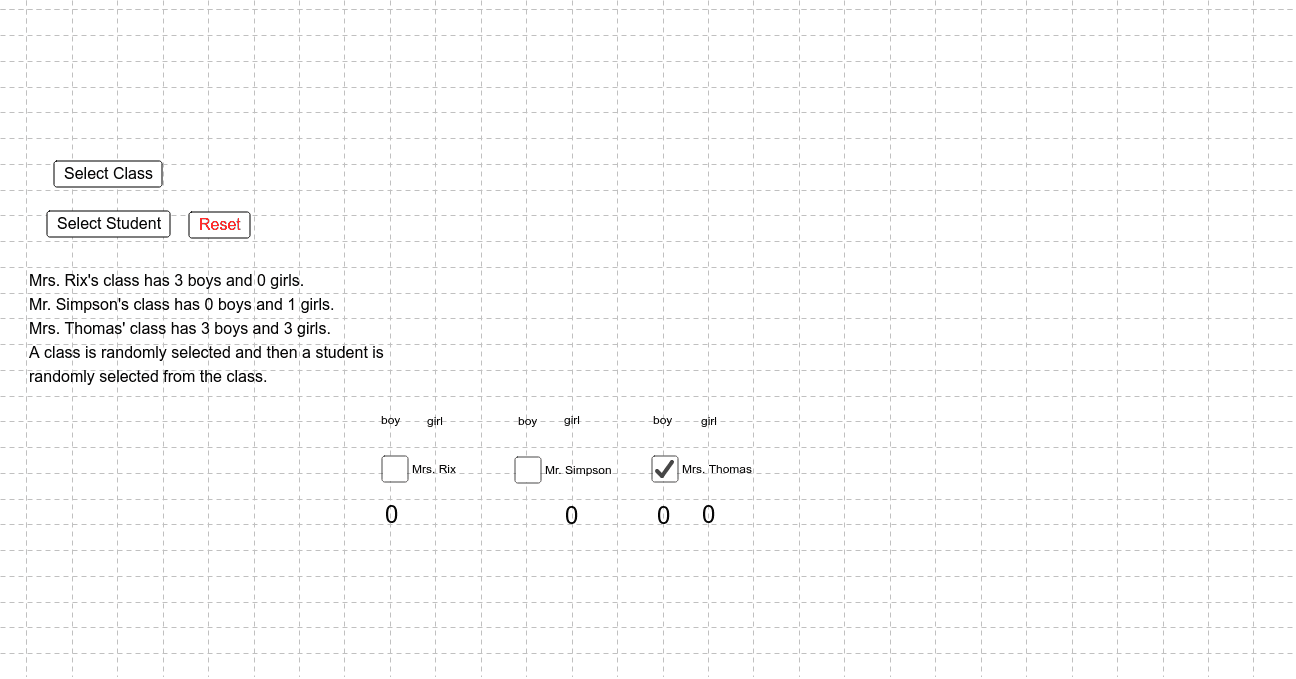
This example demonstrates the simulation of probability phenomena using random number generation and geometric area calculations. Core math concepts include probability, trapezoid area, derivatives, and vectors. Constructed with GeoGebra commands Random and If, and objects like R_b, R_g, S_b, S_g, T_b, T_g, it illustrates the integration of probability statistics with geometry and calculus. Suitable for high school and above students to understand probability simulation and geometric applications.
GeoGebra Commands & Parameters
Random(1, 3) → classIf(a ∧ (student < R_b / (R_b + R_g)), 3, If[a ∧ (student > R_b / (R_b + R_g)), 4, If[b ∧ (student < S_b / (S_b + S_g)), 6, If[b ∧ (student > S_b / (S_b + S_g)), 7, If[c ∧ (student < T_b / (T_b + T_g)), 9, 10]]]]) → A_xIf(A_x ≟ 3, (A_x, x(countRb)), If[A_x ≟ 4, (A_x, x(countRg)), If[A_x ≟ 6, (A_x, x(countSb)), If[A_x ≟ 7, (A_x, x(countSg)), If[A_x ≟ 9, (A_x, x(countTb)), (A_x, x(countTg))]]]]) → G
AI Drawing Prompt Reference
Simulate probability phenomena by generating random numbers to determine object categories, calculate geometric areas, and illustrate the integration of probability with geometry and calculus. Generate categories randomly, determine归属 based on categories and ratios, count occurrences for each, and draw geometric shapes with labels for counts to showcase the application of probability statistics in geometry and calculus.
The prompt above was compiled from the original drawing commands and is for reference only.