
Prime Area Equation: Complete Solution
Loading the math board and drawing, please wait…
In collections
Complex Math
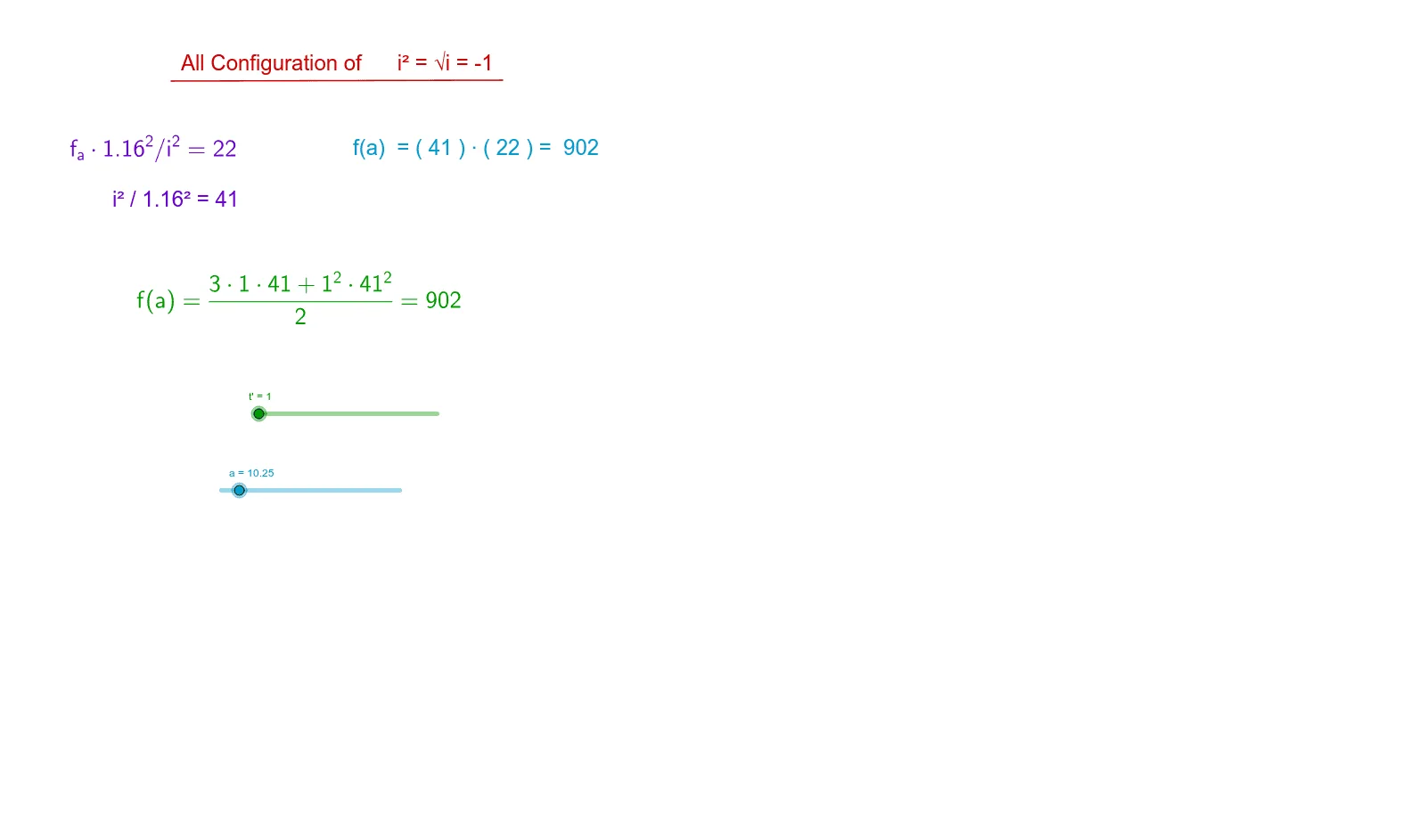
This example demonstrates how to calculate the area of specific shapes using a set of formulas, highlighting their unique behavior with prime numbers. Core math concepts include area calculation, reflection, dilation, and geometric optimization problems. Construction involves commands/objects like Point, Vector, Polygon, Segment, Line, Intersect, Integral, and Textfield in GeoGebra. Suitable for high school and above, focusing on geometric constructions and calculus applications.
GeoGebra Commands & Parameters
Point(r) → CVector((0, 0), (1.16, a^(0.5))) → dPoint(d) → EVector((1.16, 0), (1.16, a^(0.5))) → cPoint(c) → FPolygon(D, E, F) → poly2, f_1, d_2, e_1Point(b) → APoint(w) → BPolygon(D, A, C, B) → poly1, d_1, a_1, c_1, b_1Segment(C, B) → gPoint(u) → GPoint(v) → HPolygon(D, H, G) → poly3, g_1, d_3, hLine(H, G) → lIntersect(p, l, (-10.258086694702337, 3.5072728520919344E-5)) → IIntersect(q_2, l, (3.5714350400931636E-5, -10.239957977932896)) → JSegment(I, J) → iVector(((t * a), 0)) → mPoint(n) → LVector((((3 * t) * a / 2), 0)) → sPoint(s) → KPolygon(D, K, L) → poly4, l_1, d_4, k_1Integral(q_2, 1, (a * 3)) → m_1Intersect(q, f, (6.203015093969529, 902.0000013319594)) → MIntegral(q, 1, 1.79) → r_1Textfield(a) → InputBox1Segment(N, O) → e
AI Drawing Prompt Reference
Draw a geometric figure composed of multiple polygons to demonstrate area calculation and optimization. Start with a base triangle, then extend and reflect it using vectors to construct other triangles. Calculate specific areas with integrals. Include line segments and points, determining key positions via intersections, to form a complex structure showcasing mathematical optimization and calculus applications.
The prompt above was compiled from the original drawing commands and is for reference only.