
Practice: Construct an Angle Bisector
Loading the math board and drawing, please wait…
In collections
Geometry with Coach Suzzette
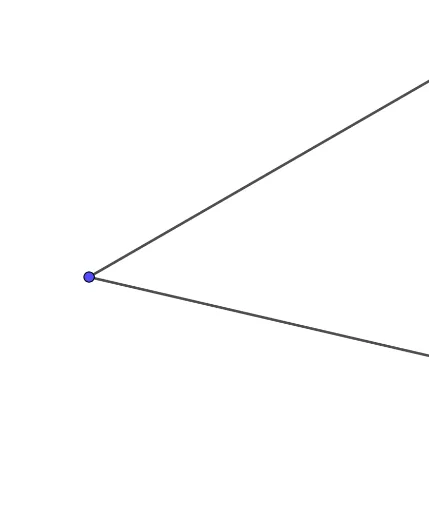
This example demonstrates how to construct the bisector of an angle using geometric construction tools, serving as a practice exercise. The core mathematical concept is the definition and property of an angle bisector—a ray that divides an angle into two equal parts. The construction involves using the Ray command in GeoGebra, with objects A, B, C, f, and g, to create the bisecting ray. Suitable for middle school geometry students learning compass-and-straightedge constructions or dynamic geometry software, this activity reinforces the construction method and deepens understanding of angle bisectors.
GeoGebra Commands & Parameters
Ray(A, B) → fRay(A, C) → g
AI Drawing Prompt Reference
Draw the angle bisector of angle BAC. First, draw two rays AB and AC starting from point A. Then, use the property of an angle bisector to construct the bisector of angle BAC.
The prompt above was compiled from the original drawing commands and is for reference only.